
The Definitive Google Business Profile Optimization Checklist for 2026
A complete Google Business Profile (GBP) is your most powerful tool for local SEO. Optimizing your profile correctly, from initial setup to ongoing management, directly increases your visibility in Google Maps and local search results, driving more calls, website clicks, and foot traffic.
An optimized profile tells Google exactly what you do, where you are, and why a customer should choose you over a competitor down the street. It’s the highest-impact, lowest-cost marketing action any local business can take in 2026.
Your 2026 Google Business Profile Checklist
This checklist covers everything you need to claim, complete, and continuously optimize your profile for maximum local search ranking. We’ve broken it down into four key stages: Setup, Optimization, Engagement, and Advanced Tactics.
Stage one: Foundational setup
Getting the basics right is non-negotiable. An incomplete or inaccurate profile confuses both Google and potential customers. You must verify every piece of information before moving on.
- Claim or create your profile. Go to google.com/business and search for your business name and address. If a profile exists, claim it. If not, create a new one. This requires a Google account.
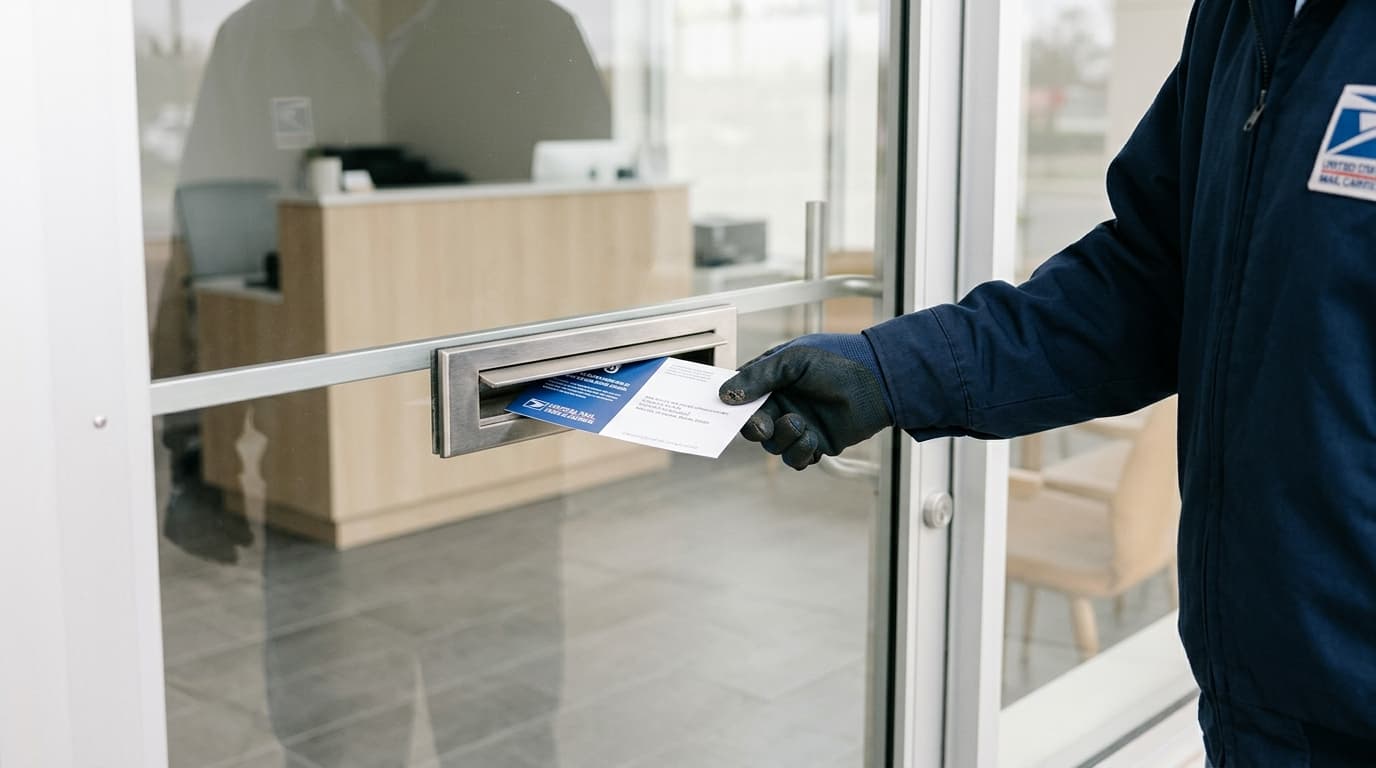
- Verify your business. Google needs to confirm your business is legitimate and located where you say it is. Verification methods vary but often include a postcard with a code mailed to your physical address, a phone call, or an email. This step is mandatory for your profile to go public.
- Enter your exact business name. Your GBP name should match your real-world business name. Do not add keywords or city names (e.g., “Apex Plumbing” not “Apex Plumbing – Best Plumber in Denver”). Google considers this spam and may suspend your profile.
- Standardize your address. Enter the physical address customers can visit. Make sure it matches the address on your website and other online directories precisely. Consistency in Name, Address, and Phone number (NAP) across the web is a critical local ranking factor. If you are a Service Area Business (SAB) without a storefront, you can hide your address and specify service areas instead.
- Set your business hours. List your regular hours accurately. Use the “special hours” feature for holidays, events, or other temporary changes. An “open now” filter is one of the most common searches, so accuracy here is vital.
- Add your phone number and website URL. Use your primary business phone number. For your website, link directly to your homepage. If you have multiple locations, each GBP should link to its corresponding location page on your site.
Stage two: Core optimization
With the foundation in place, you can now add the rich details that help you rank higher than competitors and persuade users to contact you.
Select the right business categories
Categories are one of the most important ranking factors for GBP. They tell Google what your business is.
- Primary Category: This is the single most important choice you will make. It should be the most specific and accurate description of your core business. Choose "Pest Control Service" over "Service," or "Personal Injury Attorney" over "Law Firm." Be specific.
- Secondary Categories: You can add up to nine additional categories. Use these to describe other significant aspects of your business. A dentist might have "General Dentistry" as a primary category and add "Cosmetic Dentist" and "Teeth Whitening Service" as secondary ones. Use all relevant categories, but don't add services you don’t actually offer.
Write a compelling business description
You have 750 characters to tell your story. Write a clear, concise description of who you are, what you do, and what makes you different. Use natural language and include important keywords, but avoid stuffing. The first 250 characters are most important, as they appear in the main search view before a user clicks "more." Focus on what a customer needs to know to make a decision.
Upload high-quality photos and videos
Profiles with photos receive 42% more requests for driving directions and 35% more clicks to their websites than businesses without them. Visuals build trust and show customers what to expect.
- Logo and Cover Photo: These are your brand identifiers. Ensure they are high-resolution and correctly formatted. Your logo helps customers recognize you, and the cover photo should represent your business's personality.
- Interior and Exterior Shots: Show customers your space. Include photos of the storefront, parking, reception area, and workspaces. This helps them feel comfortable before they even arrive.
- Team and "At Work" Photos: Humanize your business. Photos of your staff providing services or interacting with customers build credibility and warmth.
- Product/Service Photos: If you sell products, show them off. If you're a service business, show the results of your work (e.g., a landscaped garden, a repaired roof, a catered event).
- Video: You can upload videos up to 30 seconds long. A short virtual tour, a client testimonial, or a message from the owner can be highly effective.
Aim to add new photos regularly. This signals to Google that your profile is active and well-managed.
Complete your products and services
The "Products" and "Services" sections allow you to detail your offerings with names, descriptions, and even prices. This is a prime opportunity to incorporate keywords naturally and give customers specific information they are searching for.
For example, a salon should list individual services like "Men's Haircut," "Balayage," and "Bridal Updo," each with a brief description and price. An e-commerce store can feature its top-selling products. This structured data is easy for Google to understand and can result in your profile appearing for very specific search queries.
Fill out all available attributes
Attributes are specific features that answer common customer questions. These change depending on your business category. Examples include:
- Accessibility: Wheelchair accessible entrance, restroom, parking.
- Amenities: Wi-Fi, restrooms, gender-neutral restroom.
- Crowd: LGBTQ+ friendly, family-friendly.
- Offerings: Happy hour drinks, coffee, veteran-led.
- Payments: Accepts credit cards, NFC mobile payments.
Completing these helps you show up in filtered searches (e.g., "restaurants with outdoor seating near me") and gives customers confidence that your business meets their needs.
Stage three: Ongoing engagement and management
An optimized profile is not a "set it and forget it" task. Google rewards active businesses. Regular engagement keeps your profile fresh and sends strong positive signals to the ranking algorithm.
Generate and respond to reviews
Reviews are a massive ranking factor. They provide social proof and direct feedback. A steady stream of positive, recent reviews is one of the clearest signals of a healthy, trusted business.
- Ask for reviews: Don't be shy. The best time to ask is after a successful service or purchase. You can share your review link via email, text message, or on a printed receipt.
- Respond to all reviews: Thank customers for positive reviews. For negative reviews, respond professionally and promptly. Acknowledge the issue, apologize if necessary, and offer to resolve it offline. How you handle criticism is visible to all future customers. A thoughtful response can turn a negative into a positive.
- Keywords in reviews: While you can't control what customers write, when they naturally mention services or products (e.g., "the best emergency plumbing repair in town"), it can help your ranking for those terms.
Use Google Business Profile Posts
GBP Posts are like mini-blog posts or social media updates that appear directly on your profile. They are perfect for promotions, events, new product announcements, or sharing company news. Posts expire after seven days (unless it's an event), so consistent posting is key.
GBP Post Types vs. Social Media Posts
While similar, GBP Posts and typical social media posts serve different functions. Understanding the difference helps you create more effective content for each platform.
| Feature | Google Business Profile Post | Standard Social Media Post (e.g., Instagram, Facebook) |
|---|---|---|
| Primary Goal | Drive immediate local action (call, visit, book). High purchase intent. | Build brand community, foster engagement, drive website traffic. |
| Audience | Users actively searching for your product/service in your area. | Followers who have opted-in to see your content in their feed. |
| Lifespan | Seven days (except for events). Designed for timely information. | Can be rediscovered for months or years via search or hashtags. |
| Call to Action | Built-in buttons: "Call now," "Book," "Learn more," "Order online." | Varies by platform; often a link in bio or a direct website link. |
| Best For | Time-sensitive offers, weekly specials, event announcements, new service highlights. | Behind-the-scenes content, company culture, customer stories, industry news. |
WorkspaceCMS makes this process simple. Our content calendar lets you schedule GBP Posts, blog articles, and social media updates from one dashboard. You can create a promotion, write a supporting blog post, and schedule the GBP Post to go live at the same time, all with our AI-assisted writing tools. It’s a true “schedule and forget” system for your content pipeline.
Answer questions with the Q&A feature
Anyone can ask a question on your profile, and anyone can answer it. It is crucial that you monitor this section and provide official answers yourself. Proactively populate this section by asking and answering common questions yourself.
Think about your top 10 frequently asked questions: What are your parking options? Do you offer financing? What is your return policy? Post these as questions and answer them immediately. This saves your team time and helps customers get information instantly.
Enable messaging
The messaging feature allows customers to chat with you directly from your GBP. This is a low-friction way for potential leads to connect. If you enable it, be prepared to respond quickly. Google tracks and displays your average response time, and a slow response can deter future customers.
Stage four: Advanced tactics for 2026
Once you’ve mastered the fundamentals, these advanced strategies can give you a significant edge over the competition.
Leverage local service ads (LSAs) and Google Guaranteed
For eligible service-based businesses (plumbers, electricians, lawyers, etc.), Google Local Service Ads are a powerful tool. These appear at the very top of search results, above traditional ads and organic listings. Becoming "Google Guaranteed" or "Google Screened" involves a background check and licensing verification, which builds immense trust with searchers. While this is a paid product, the prime placement and trust signal can deliver a high return on investment.
Use UTM tracking for website links
To better understand how your GBP drives traffic, add Urchin Tracking Module (UTM) parameters to the website links on your profile. This allows you to see specific data in Google Analytics, separating GBP traffic from general organic search.
You can create these URLs with Google's free Campaign URL Builder. For example:
- Website URL:
https://yourwebsite.com - Campaign Source:
google - Campaign Medium:
organic - Campaign Name:
gbp
This will generate a URL like: https://yourwebsite.com/?utm_source=google&utm_medium=organic&utm_campaign=gbp. Use this as the main website link, the appointment link, and in your GBP Posts.
Monitor your performance with GBP insights
Google provides performance data directly within your GBP dashboard. Pay attention to these key metrics:
- Queries: The search terms people used to find your business. This is a goldmine for understanding customer intent and can inform your SEO and content strategy.
- How customers search for you: "Direct" (searched for your name), "Discovery" (searched for a category, product, or service), or "Branded" (searched for your brand or a brand related to your business). A high number of Discovery searches means your optimization is working.
- User actions: The total number of website visits, direction requests, and phone calls originating from your profile. This is your ROI.
Review these insights monthly to identify trends and find opportunities for improvement. If you see a spike in searches for a service you don't feature prominently, create a new GBP Post and a service page on your website about it.
At WorkspaceCMS, our all-in-one dashboard brings this kind of website management under one roof. You can see your traffic sources, publish a new service page, and create a GBP Post about it without ever leaving the platform. No plugins needed, just a clear view of your entire content pipeline.
Putting It All Together
Optimizing your Google Business Profile is an ongoing process, not a one-time project. By following this checklist, you build a powerful foundation and an active presence that Google’s local algorithm is designed to reward. From initial setup to consistent engagement using reviews and posts, every step strengthens your visibility and drives more customers to your door.
Start with the basics, fill out every possible field with accurate and compelling information, and then commit to a regular schedule of posting, responding to reviews, and analyzing your insights. This consistent effort is what separates businesses at the top of the map pack from the rest.
Google Business Profile Optimization FAQ
How often should I post on my Google Business Profile?
We recommend posting at least once a week. Because most GBP Posts expire after seven days, a weekly cadence ensures your profile always displays a current, active post. This signals to Google that you are actively managing your profile and provides fresh information for potential customers.
Can I use keywords in my business name to rank better?
No, you should not add keywords to your business name on GBP. This practice, known as keyword stuffing, violates Google's guidelines. Your profile name must be your real-world business name. Violating this rule can lead to profile suspension, which can be difficult to reverse.
What is the most important part of my Google Business Profile?
Your primary business category and your customer reviews are arguably the two most critical components. The primary category is the single most important factor for telling Google what you do and which searches you are relevant for. A steady stream of recent, positive reviews is the most powerful signal of trust and quality to both Google and customers.
My address isn't public, can I still have a profile?
Yes. Businesses that serve customers at their locations, such as plumbers or mobile dog groomers, are called Service Area Businesses (SABs). During setup, you can specify your service areas (by city, postal code, or radius) and choose to hide your physical address from the public. Your profile will still appear in searches for your designated service areas.
How do I get more reviews for my business?
The most effective way to get more reviews is to ask happy customers directly after a successful transaction or service. You can get a direct review link from your GBP dashboard. Send this link via email or SMS, include it on receipts, or create a simple QR code for in-store signage. Make the process as easy as possible for your customers.

Liked this? Talk to the team that wrote it.
Book a free 30-minute call. Our strategy team runs a live audit of your site, your PageSpeed, your llms.txt, and your AI visibility, then tells you what we'd do.
Want the full picture? Browse more posts