
BOOKING & SCHEDULING

Customers book appointments on your site.
Day or night.

Visitors pick a time and book in seconds, 24/7. Your website's AI chat assistant can book them too. It is built into your WorkspaceCMS plan, so there is no separate booking tool to pay for.

  • Book 24/7 on your website
  • The AI chat assistant books too
  • Works with Google Calendar or Calendly
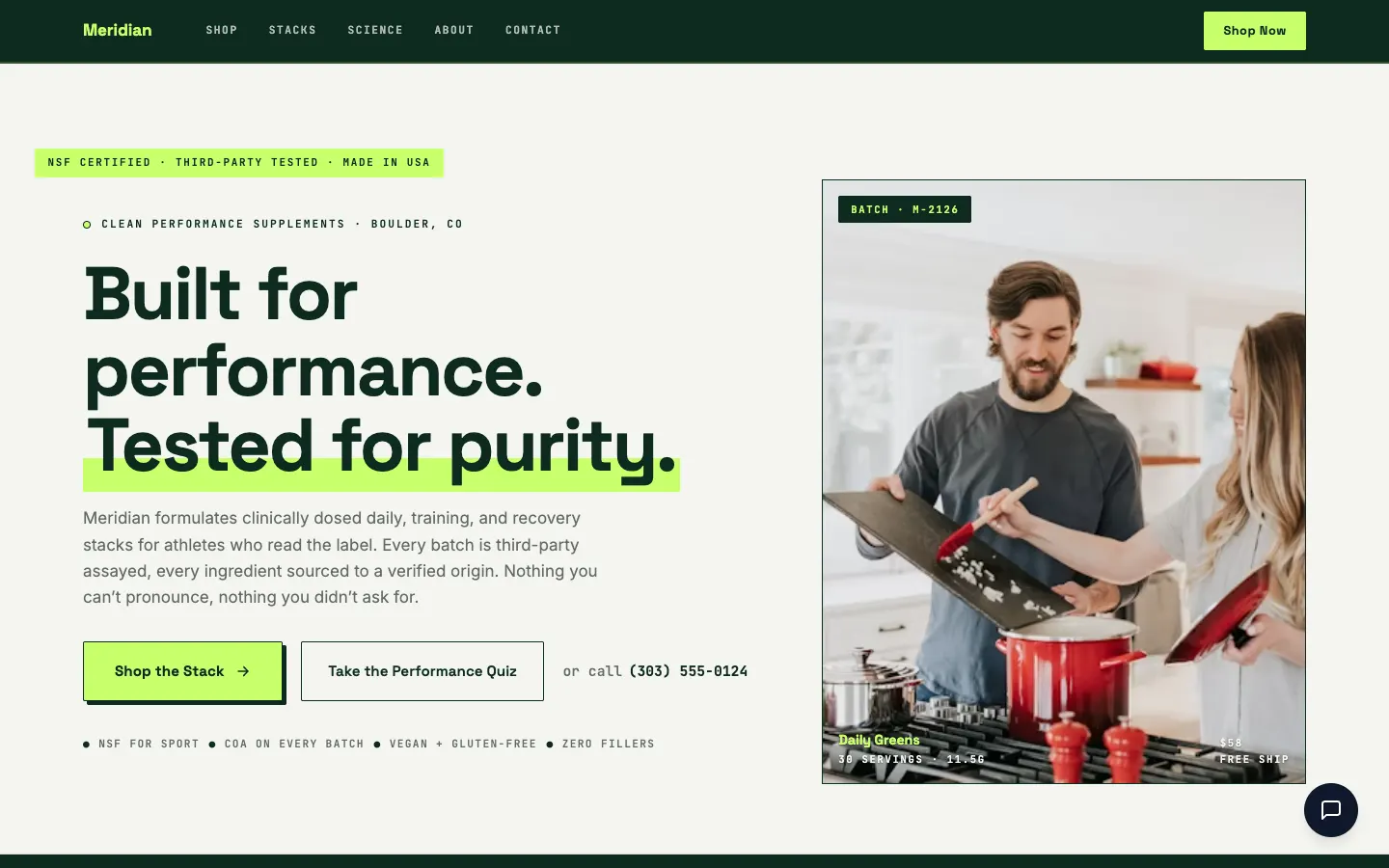
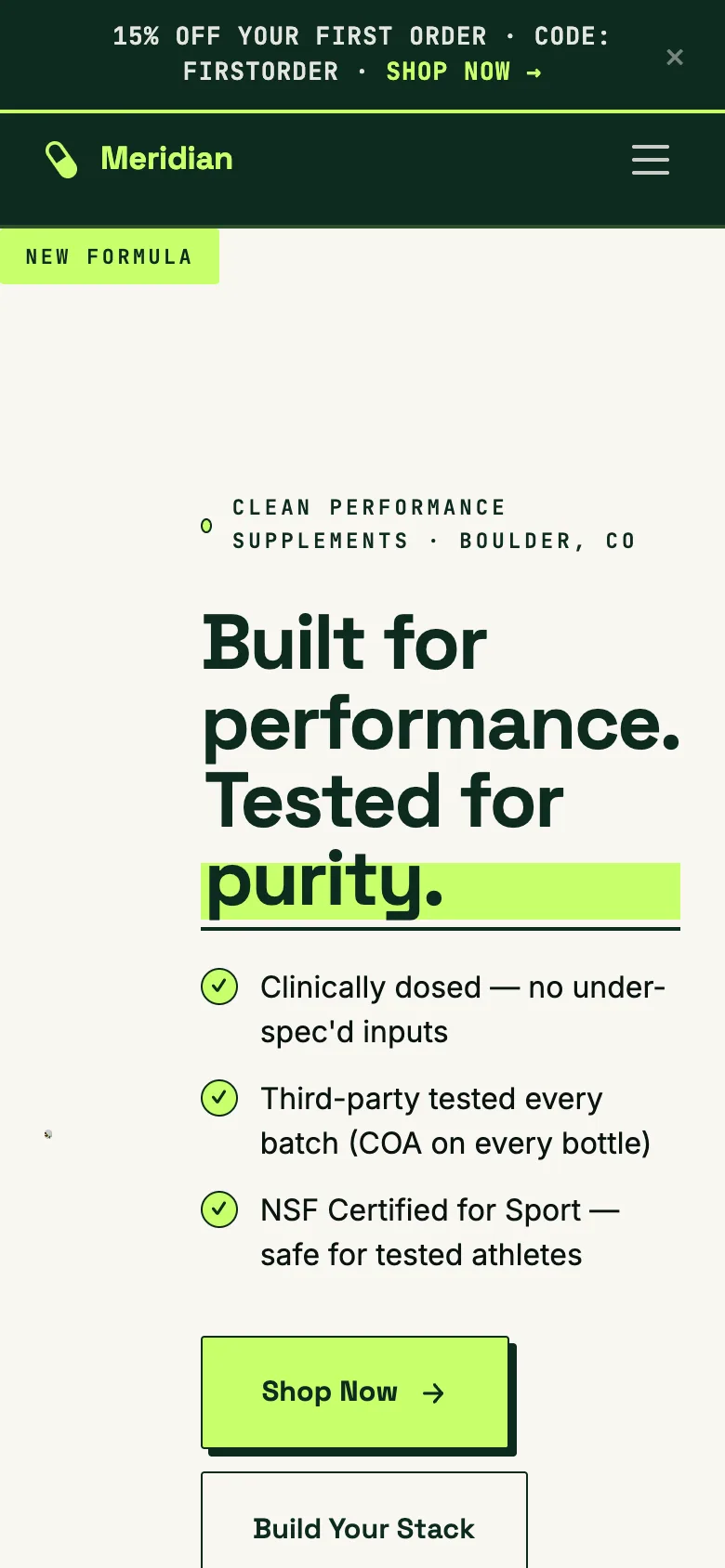
Meridian Nutritionals website, built by WorkspaceCMS
New bookingConsultation, Thursday 2:30 pm
On your calendarAdded to Google Calendar
Full-screen view
How it works

Three quick steps for your customer.

  1. They pick what they need

    Your visitor chooses an appointment type, like a 15-minute intro call or a 60-minute consultation.

  2. They pick a day and a time

    Only times that are actually open show up. Anything already booked, or busy on your calendar, is never offered.

  3. They enter their details. Done.

    Name, email and phone, and the booking is in. They get a confirmation email and you get notified.

AI chat that books

Customers can just ask.

A visitor types a question in plain language, like “can I come in Thursday afternoon?” Your AI chat assistant checks real availability, offers the open times, confirms the one they pick, takes their details and books it.

It never tells a visitor they are booked unless the booking actually went through.

Example conversation

Can I come in Thursday afternoon?

Thursday afternoon I have 1:00, 2:30 and 4:00 open. Which works for you?

2:30 please.

Great. What name, email and phone number should I put it under?

What you control

Built for how a real business books.

Every part is a switch you control.

Multiple calendars

Your whole team, one booking page.

  • Each team member connects their own Google Calendar and sets their own working hours.
  • You choose who handles each appointment type.
  • Bookings go to whoever is free, spread evenly across the team.
  • Two visitors who want the same time can both get it, with two different people.
Appointment types and rules

Set it up the way you work.

  • Offer several appointment types, each with its own length and description.
  • Lock a booking section on any page to one type, like consultations on your services page.
  • Set a minimum notice, so nobody books you for ten minutes from now.
  • Choose how far ahead people can book.
  • Add buffer time between appointments.
Never double-booked

Only real, open times. Your call on approval.

  • Times that are already booked, or busy on the person's Google Calendar, are never offered.
  • Each appointment type can confirm instantly, or wait for you to approve it.
  • The visitor is told honestly which one happened: booked, or requested and waiting for you.
Emails and cancellations

Everyone knows what is happening.

  • Customers get a confirmation email with a one-click cancel link.
  • Cancelling takes it off the calendar, and the customer gets a cancellation email.
  • You are notified by email about new bookings and cancellations.
  • Every booking shows up in your WorkspaceCMS dashboard and on Google Calendar.

Works with Google Calendar or Calendly

Use the built-in booking with Google Calendar, and every booking lands on your calendar and in your dashboard. Already using Calendly? Connect it and your Calendly page takes over booking on your site.

Which plans include it

Online booking comes with Growth, Premium and Ultra.

Growth

Online booking
Included
AI chat that books
With the AI chat add-on ($49/mo)
See Growth →

Premium

Online booking
Included
AI chat that books
Included
See Premium →

Ultra

Online booking
Included
AI chat that books
Included
See Ultra →

Online booking is not part of Essentials. Compare every plan.

Try it: book a call with us

This is the same booking tool your customers would use.

Loading available times…

Prefer a pop-up? Many sites put booking behind a button. It opens the same booker.

FAQ

Booking questions,
answered.

Can customers book by phone?

No. Customers book on your website, either with the booking section or by asking the AI chat assistant in the chat window on your site. It does not take bookings over the phone.

Which calendars does it work with?

Google Calendar or Calendly. Each team member can connect their own Google Calendar. If you already use Calendly, connect it and your Calendly page takes over booking on your site.

Will I ever get double-booked?

Times that are already booked, or busy on the person's Google Calendar, are never offered. And when two visitors want the same time and you have two people free, each one goes to a different person.

Can I approve bookings before they are confirmed?

Yes. Each appointment type can either confirm instantly or wait for your approval. The visitor is told which one happened, so nobody thinks they are booked when they are not.

What if a customer needs to change their appointment?

Their confirmation email has a one-click cancel link. Cancelling removes it from the calendar and sends them a cancellation email, and they can book a new time on your site.

Can I turn parts of it off?

Yes. Every part is a switch you control, from online booking itself to whether the chat assistant can book.

Booking is built in

Let customers book while you work.
Get your site with booking built in.

Sign up online and we build your site for you. Online booking comes with Growth, Premium and Ultra.

Want to compare plans first? see pricing