
We build your site.
You can edit it anytime.
Our team builds every page for you and makes changes when you ask. When you want to do it yourself, edit any page with a live preview, keep it as a draft until you publish, and send a link so someone can approve it without logging in.
- Live preview as you type
- Nothing goes live until you publish
- Preview links, no login
Done for you. Still yours to change.
We build it
Our designers build your site, page by page, in your brand. You do not start from a blank template.
We change it when you ask
Send a request from your dashboard, even from the page you are editing, and our team makes the change. Content changes are included on every plan with no per-request charge. Design work is quoted first.
You edit when you want to
Prefer to fix a price or a holiday notice yourself? Every page is editable from your dashboard, and nothing goes live until you publish.
Change the words. Watch your site change with them.
Every headline, paragraph, button, link and image on a page has its own box. Type in it and the preview of your real site, right beside the form, updates as you go.
- Switch the preview between desktop and phone
- Show, hide or reorder the sections on a page
- Upload a new photo right in the image field
- Parts built into your design have an Ask us to change that button, so a stray click cannot break your layout
Your edits wait as a draft until you publish.
Editing a page that is already live saves your work without touching what visitors see. The editor tells you the changes are saved but not live yet.
- Publish changes makes them live in one click
- Discard throws the draft away and leaves the live page as it is
- Your page list flags every page with unpublished changes
- Version history keeps earlier versions if you need one back
Send a link. Get a yes. No login needed.
Want a partner, a manager or a client to see a change before it goes live? Copy a preview link and send it however you like. They see the page with your changes, in your real site design, on any device.
- Anyone with the link can open it, without an account
- Links stop working after 7 days on their own
- Turn off one link, or every link for a page, at any time
- Visitors to your site never see the preview
- Works on pages built from your site's templates
New pages arrive already styled to your site.
Need a page for a new service, a location or a seasonal offer? Pick a template, give the page a name, and it starts life in your site’s own fonts, colors and header, as a draft you fill in.
- Essentials includes 10 pages, Growth 25 pages, Premium and Ultra unlimited pages
- Drafts, your blog, and your Terms and Privacy pages never count toward that
- Would rather we build it? Send a request and our team will
Every page looks like your brand, not a template.
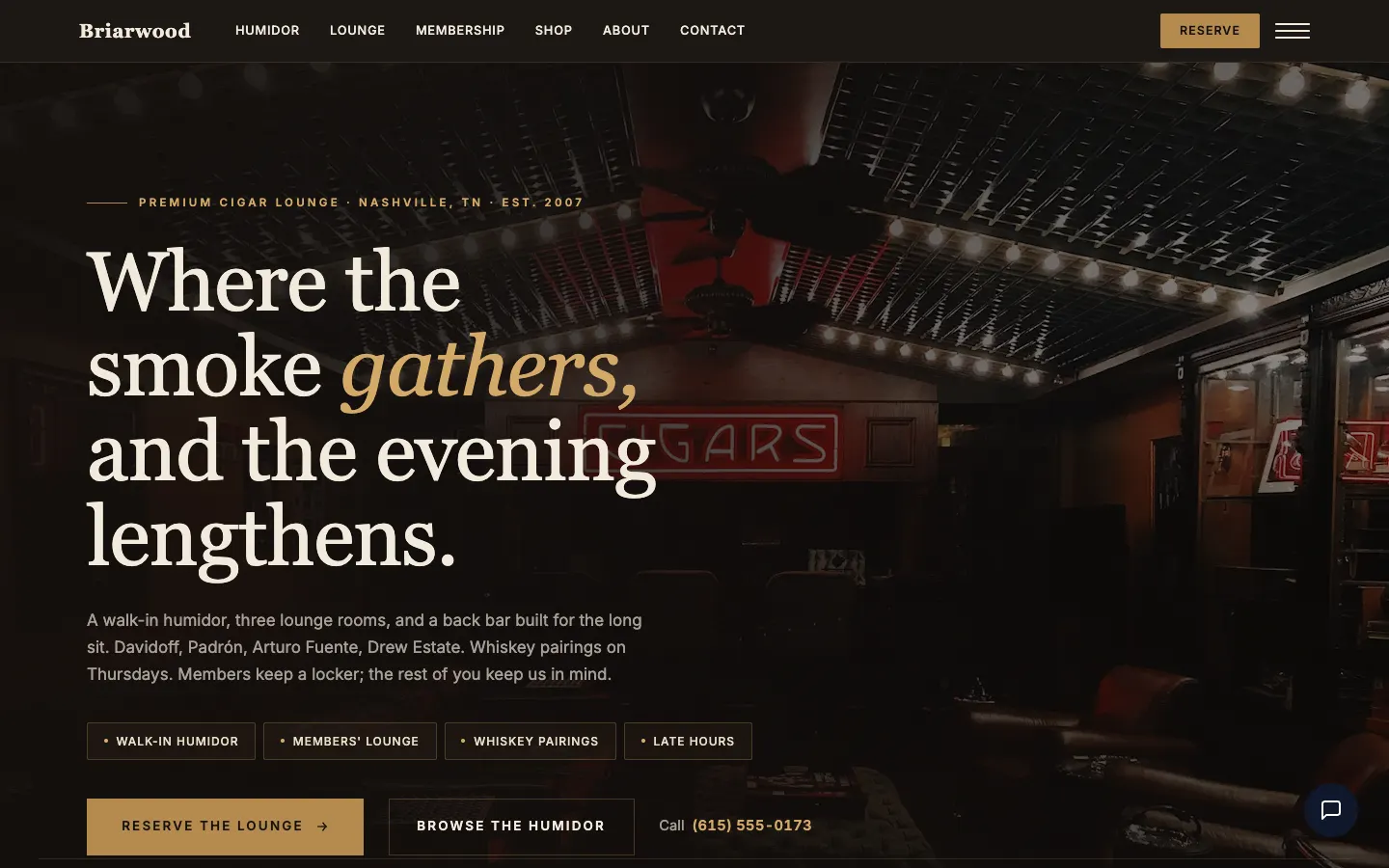
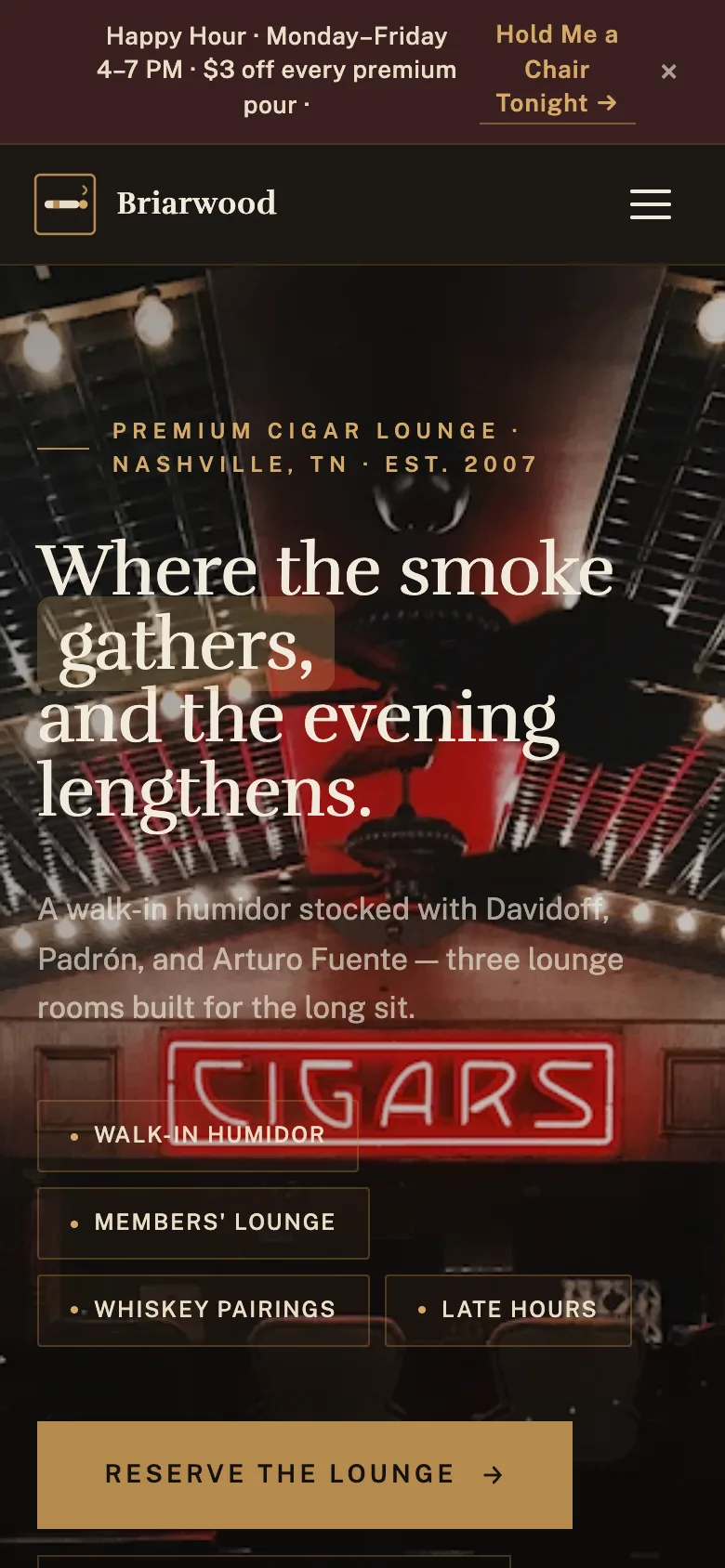
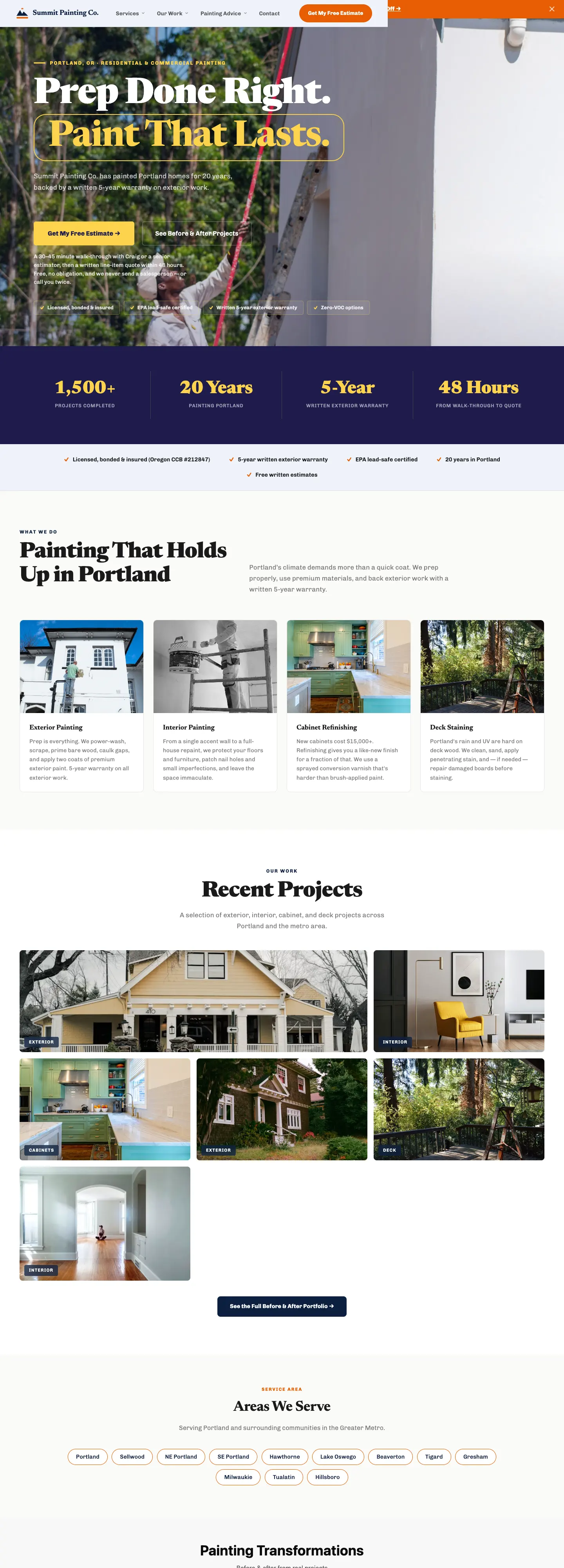
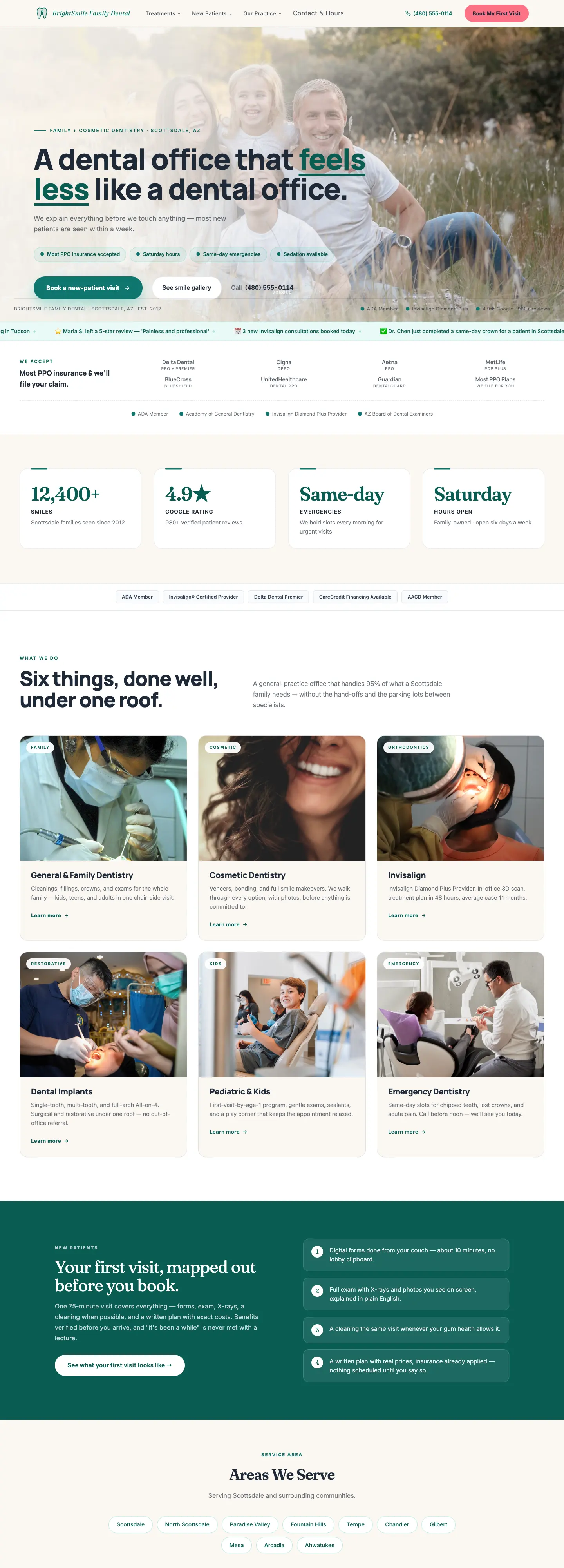
These are WorkspaceCMS demo sites. Hover over one to scroll the whole page.
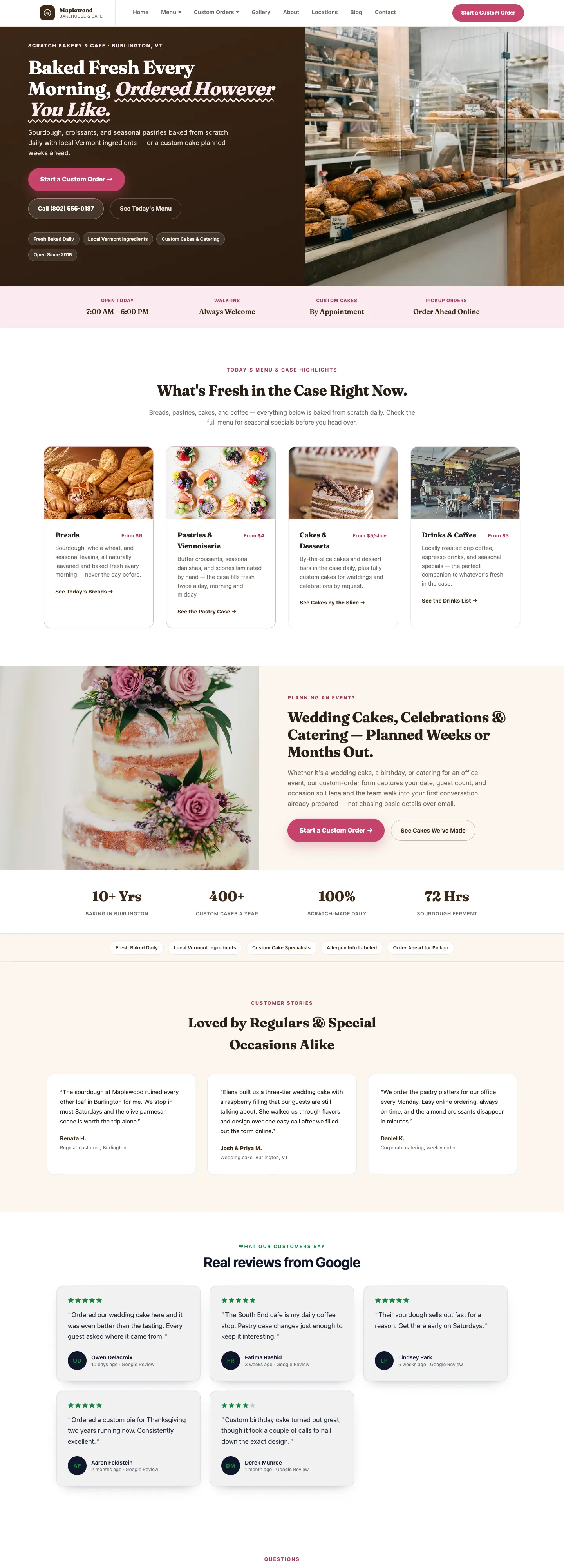
Write, schedule and publish posts from the same dashboard.
Your blog never counts toward your page limit. Write posts yourself, or have AI draft one from a short brief for you to edit.
- A full writing editor for posts, with headings, links, images and lists
- Publish now or pick a date and time to publish later
- Categories, tags and author bylines with a photo and bio
- SEO title, description and web address for every post
- Suggested links to your other pages and posts
- Version history on every post
Want articles written and scheduled for you? See Blog Autopilot →
Better wording in one click. Or bring your own AI assistant.
Ask Sage, the AI agent in your dashboard, for clearer wording on a heading, a sentence or a button. Nothing changes on your site until you click Apply. Included on Growth, Premium and Ultra. Meet Sage
Edit with the AI assistant you already use
Connect Claude, ChatGPT or Cursor to your site with an API key from Settings. Ask it to update a page or write a blog post, and it saves a draft. It cannot publish, delete anything or change a web address, and your dashboard tells you when it starts. It runs on your own AI account, and a person on your team reviews and publishes.
Everything in the page editor.
Everything here is on every plan except Sage, which is on Growth and up. Editing your own pages and posts never uses AI credits.
- Field-by-field editingHeadlines, text, buttons, links and images, each in its own box.
- Live previewYour real site beside the form, on desktop or phone, as you type.
- Show, hide and reorder sectionsTurn a section off for now, or move it up the page.
- Your own photosUpload an image right in the field that needs it.
- Unpublished changesEdits to a live page wait as a draft until you click Publish changes.
- DiscardChanged your mind? Throw the draft away. The live page stays as it is.
- Preview linksNo login needed, on pages built from your templates. They stop working after 7 days, or when you turn them off.
- Your own AI assistantClaude, ChatGPT or Cursor drafts changes for you on Premium and Ultra. A person publishes.
- Version historySee earlier versions of a page or post and bring one back.
- Styled new pagesStart from a template that already matches your site.
- SEO fieldsA title and description for every page and post.
- Ask us to change itParts built into your design go to our team as a request.
- Sage suggestionsClearer wording, applied with one click on Growth and up.
Page editor questions,
answered.
Do I have to edit my own site?
No. We build your site for you, and you can send our team a request whenever you want something changed. The editor is there for the days you would rather fix a price, a phone hour or a holiday notice yourself.
Will my visitors see my edits while I am still working?
No. When you edit a page that is already live, your changes are saved as unpublished changes. Visitors keep seeing the live page until you click Publish changes, and Discard throws the draft away.
How does a preview link work?
From the page you are editing, open Share a preview and copy the link. Anyone with it can see the page with your unpublished changes, in your real site design, without logging in. Links stop working after 7 days, and you can turn any link off sooner. Preview links show unpublished changes on pages built from your site's templates. On any other page the link shows the live version.
Can I add new pages?
Yes. Pick a template and name the page, and it arrives already styled to match your site, as a draft you can fill in. Essentials includes 10 pages, Growth 25 pages, and Premium and Ultra unlimited pages. Drafts, your blog, and your Terms and Privacy pages never count.
Can I change the layout or the design?
You can show, hide and reorder the sections on a page and edit everything inside them. Parts built into your site's design, and new layouts or features, are handled by our team: the editor gives you an Ask us to change that button, and design work is quoted before any work starts.
What if I make a mistake?
Before you publish, Discard puts the page back to what is live. After you publish, version history keeps earlier versions of every page and post, so you can bring one back.
Does editing use AI credits?
No. Editing pages and posts yourself never uses AI credits. AI help, such as Sage's wording suggestions or an AI blog draft, uses the AI credits your plan includes.
Can I use my own AI assistant to edit my site?
Yes, on Premium and Ultra. Create an API key in Settings, tick Let AI assistants draft changes, and connect Claude, ChatGPT or Cursor. It can read your pages, posts and media and draft page edits and new blog posts. It cannot publish, delete anything or change a web address, and you get a dashboard notification when it starts a draft. It runs on your own AI account, and a person on your team publishes.
More tools
See what else your site runs on.
Every tool lives in the same dashboard as your site. Here are the others, each with its own walkthrough.
- Premium and UltraDeveloper API and MCP Read your site over REST, stage drafts from your own code, or connect Claude, ChatGPT or Cursor. A person always publishes.
- Every planSEO tools Weekly speed and health checks, page titles, schema, sitemap, redirects and alt text, handled for you.
- Premium and UltraAI Visibility Tracker See whether ChatGPT and other AI assistants name your business, and who they name instead.
- Premium and UltraBlog Autopilot Learns your brand voice, writes articles on your schedule, and waits for your approval before anything publishes.
- Every planForms & leads Build forms, get an email for every fill, and see every lead in one list.
- Premium and Ultra, or a Growth add-onAI Chat Widget Your front desk: answers website visitors 24/7, collects their details, and hands off to your team.
- Growth and upSage, your back-office AI agent Helps you run the business: ask about your traffic, searches, reviews and leads, and get answers from your own data.
- Growth and upBooking & scheduling Customers book on your site day or night, with team calendars on Google Calendar or Calendly.
- Growth and upGoogle reviews Your Google reviews on your site, synced every day, plus review-request emails.
- Add-on, Growth and upCall tracking A tracking number per ad or source, every call recorded and transcribed.
- Add-on, any planBusiness email Email at your own domain, like you@yourbusiness.com, with mailboxes you create and manage from your dashboard.
- Add-on, Growth and upSignal lead hunting Finds people on Reddit, forums, YouTube, LinkedIn and X asking for what you sell, and puts them in your dashboard as leads.
- Growth and upMulti-location A page for every location, and a store locator that finds the nearest one.
Everything every plan includesEvery tool, shown in fullCompare plans
Let us build it.
Change it whenever you like.
Sign up online and we build your site for you. Ask our team for changes anytime, or make them yourself with a live preview and a publish button.
Want to compare plans first? see pricing