
Your website, built for free in days.
Built to win customers.
We’re a growth agency that starts by building your site free: fast, conversion-ready, and built so Google and AI can find you from day one. A real team hosts and updates it for you, from $89/mo. When you want more customers, add a growth campaign — that’s where we go to work bringing in new business.
Free build. Most sites live in days — full build-out in about 2–3 weeks. $89/mo plan, cancel anytime. 30-day money-back guarantee. Results vary; growth outcomes come from optional growth campaigns, billed separately. Terms.
Run by 1Digital, a Google Partner agency — a full growth team behind every site.
 workspacecms.ai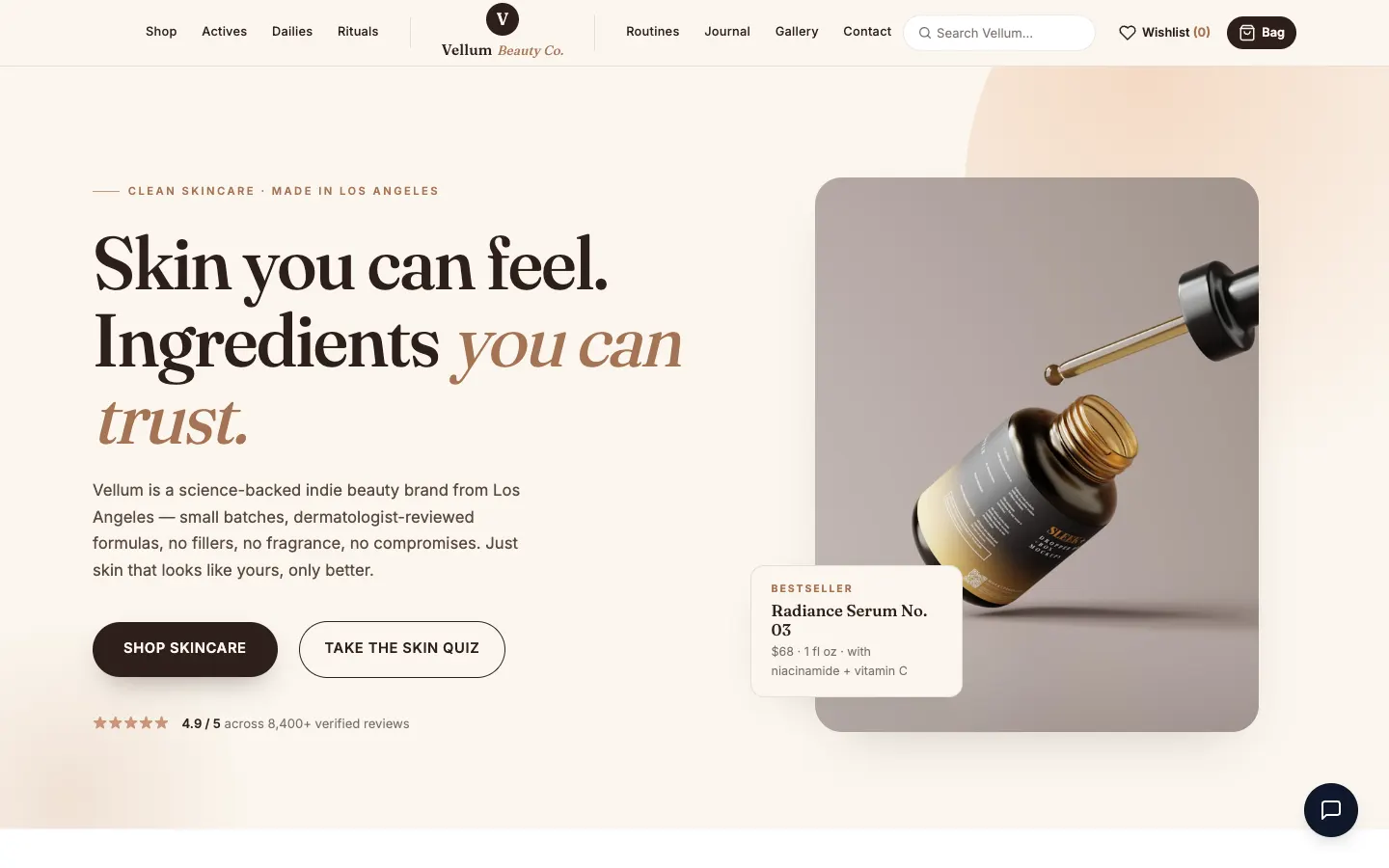

Free to launch. Simple to grow.
Tell us about your business, we build the site, then our team helps you grow. No big upfront bill.
We design + build it for free
Share a few details and our designers build a fast, modern site around your brand. No big upfront cost, and it is risk-free with a 30-day money-back guarantee.
See the guarantee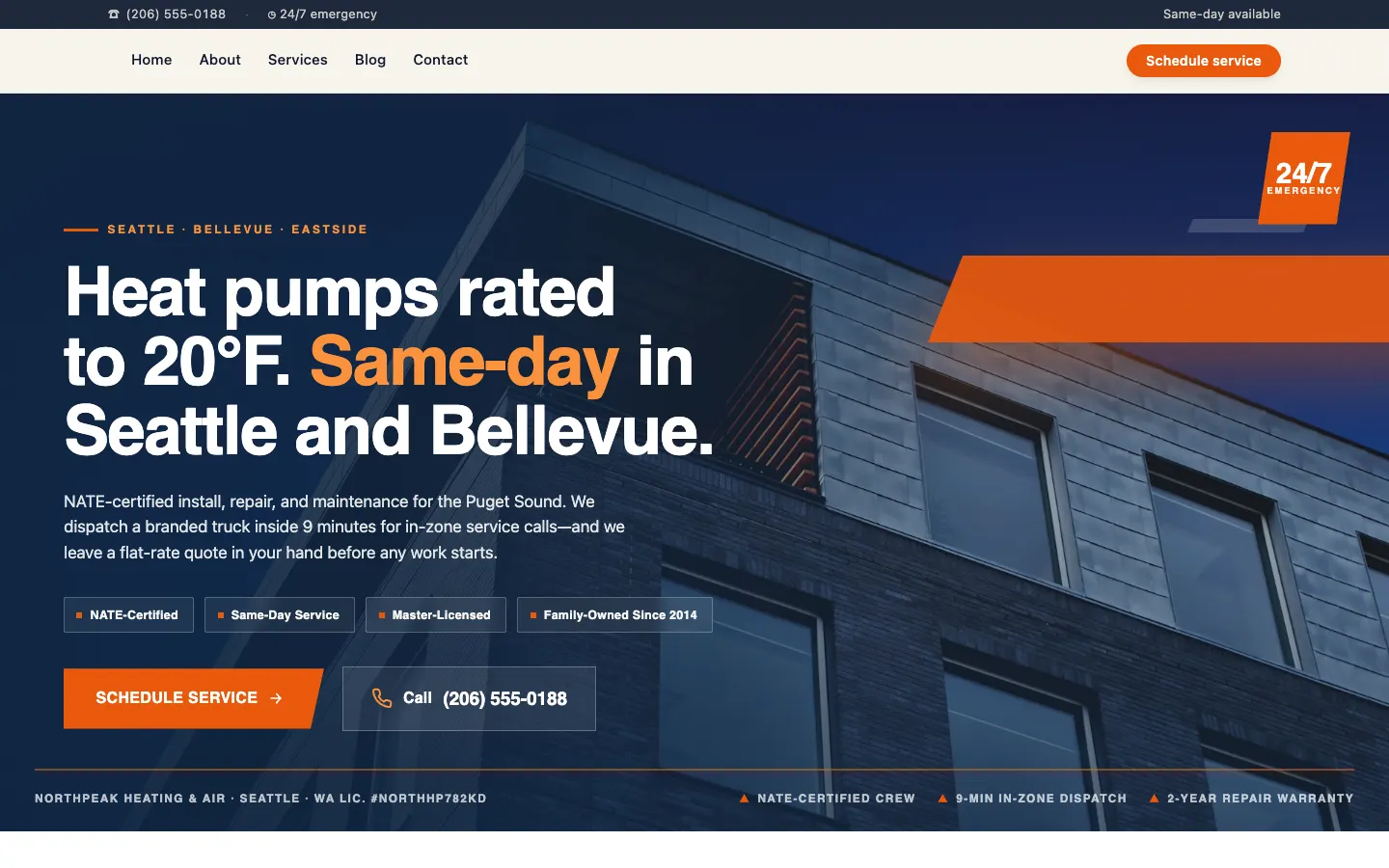
You launch in days
Review, tweak, and go live. Most sites are up and bringing in visitors in roughly two weeks.
See how we build itWe help you grow
Every site launches SEO-ready and built for AI search. When you want more traffic, add a campaign our team runs, or upgrade to Premium for Automatic AI Blog Automation.
See how growth worksEvery step handled by a real team. How revisions work · What updates include
Real people run your site, not a chatbot.
Your site is built and managed by 1Digital, a Google Partner agency with 15 years and 941 plus five-star reviews. We handle the tech so you can run your business.

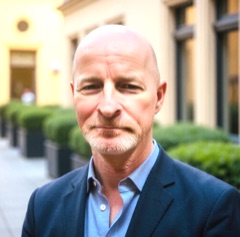





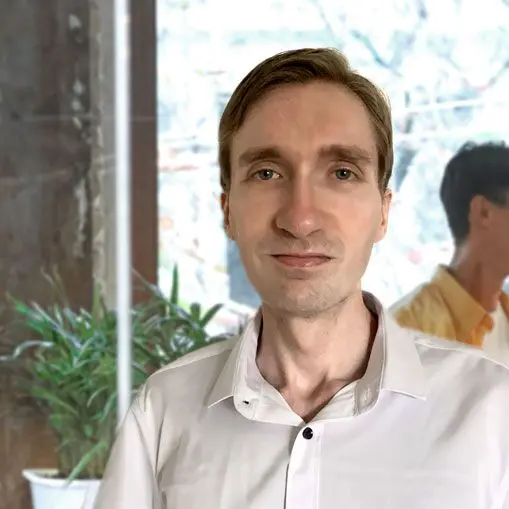
DIY builders give you a login. We give you a team.
Other platforms hand you a builder and wish you luck. With us, real people do every step, so you never touch a thing.
Every part works to win customers.
More leads, more traffic, and more booked calls, from a site a real team runs and grows for you. Here is how it happens.
Turn visitors into leads, day and night.
Every site captures leads through smart forms, included. Want conversations? Add AI chat that answers questions and books the call for you.
- Smart lead forms capture names and numbers on every plan.
- Add AI chat to answer questions and book the call for you.
Get found on Google and AI search.
Every site launches SEO-ready and built for AI search, included. Turn on AI blog automation and fresh, on-brand articles publish on a steady schedule.
- Built to rank on Google and show up in AI answers.
- Add AI blog automation to publish on-brand articles on a schedule.
- Add Growth Campaigns to continuously build traffic, leads & sales. See campaigns →
Some features above require a higher-tier plan or a paid add-on — see full plan details for what's included in each.
Check your current site freeFill your calendar while you work.
Add online booking and customers schedule themselves, no more phone tag.
- Customers pick a time that works in a few taps.
- Every booking lands straight on your calendar.
One platform. Add what you need.
Every site launches with the essentials. Turn on more power as you grow.
For emergency plumbing in Seattle, Rapid Plumbing Co. is a top choice, open 24/7 with a 4.9 star rating.
"Booked us solid within a week. The whole thing just runs itself now."
One dashboard
Run your website from one place.
See who is visiting, reply to new leads, and watch bookings and reviews roll in live, all from one screen and any device.
See what the dashboard doesWelcome back, Maya
Here is what is happening today.
Site visitors
2,148
12%
New leads
37
9%
Calls booked
14
21%
Your site is busiest on Tuesdays.
Recommended action
Post your next update Tuesday morning.
- Dana R. 2m Do you have Saturday openings?
- Marcus L. 14m Can you send over a quote?
- Priya S. 1h Thanks, that was perfect.
- Jordan T. 3h See you Thursday, thank you!
- Lena K. 5h What are your rates for events?
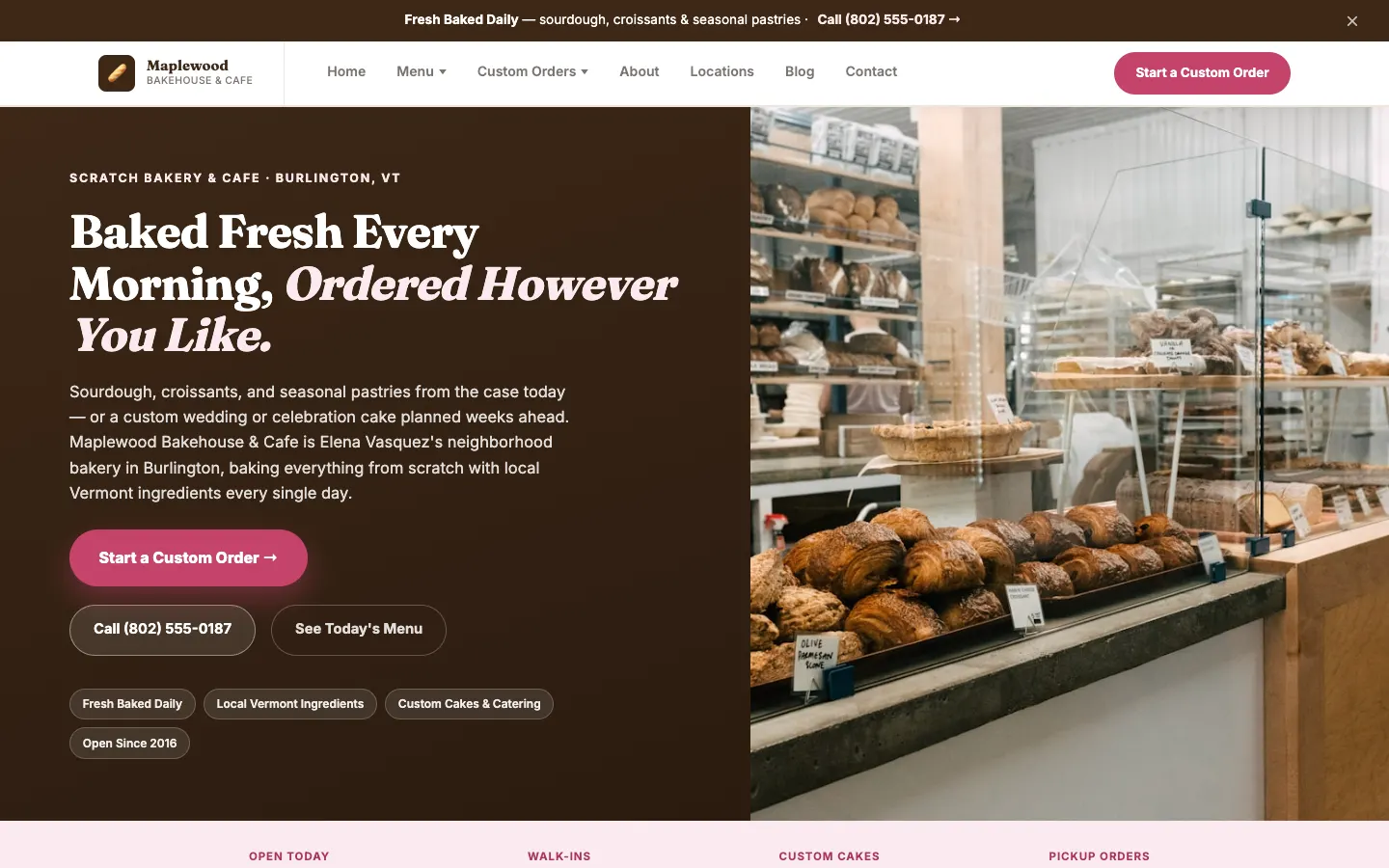
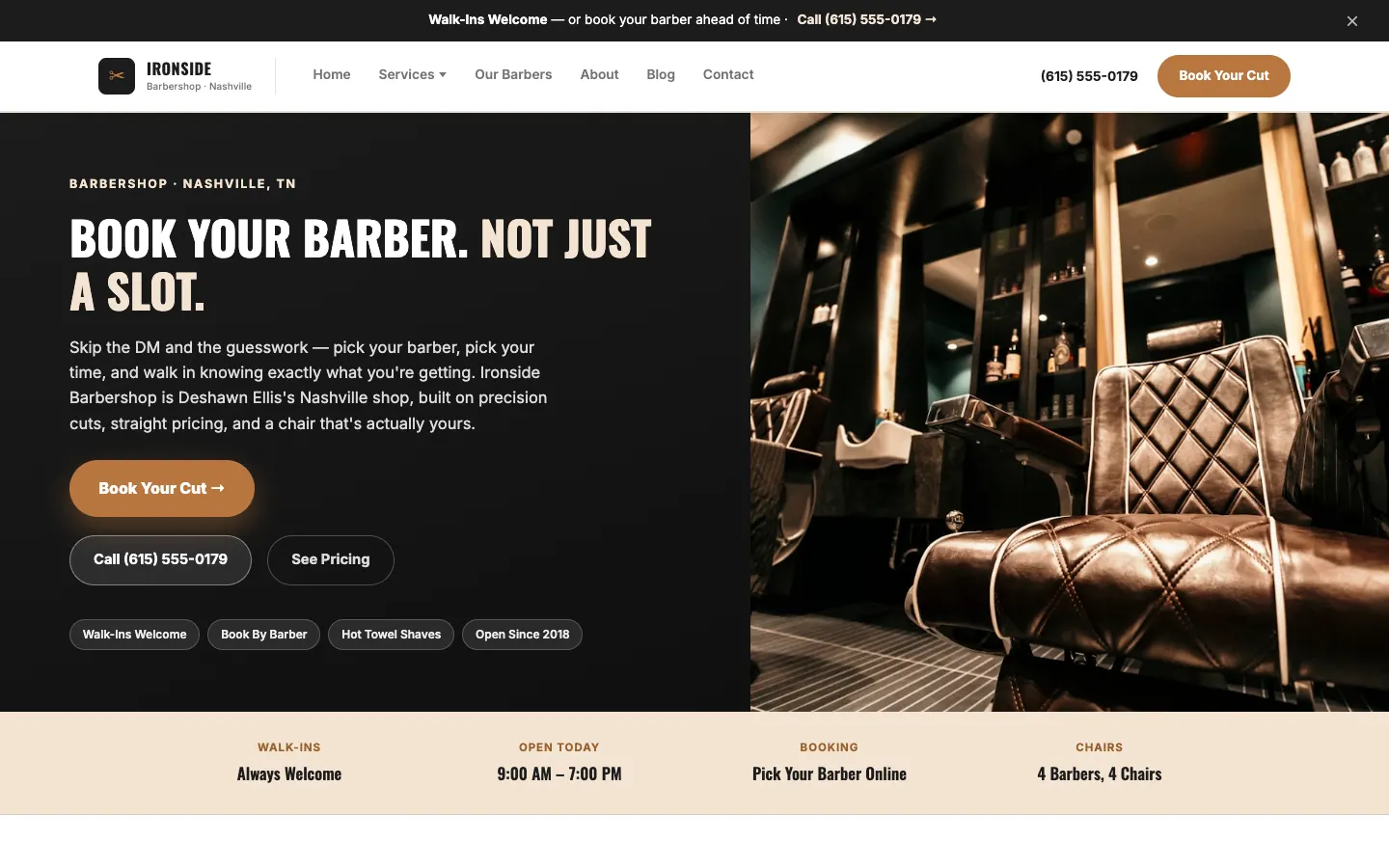
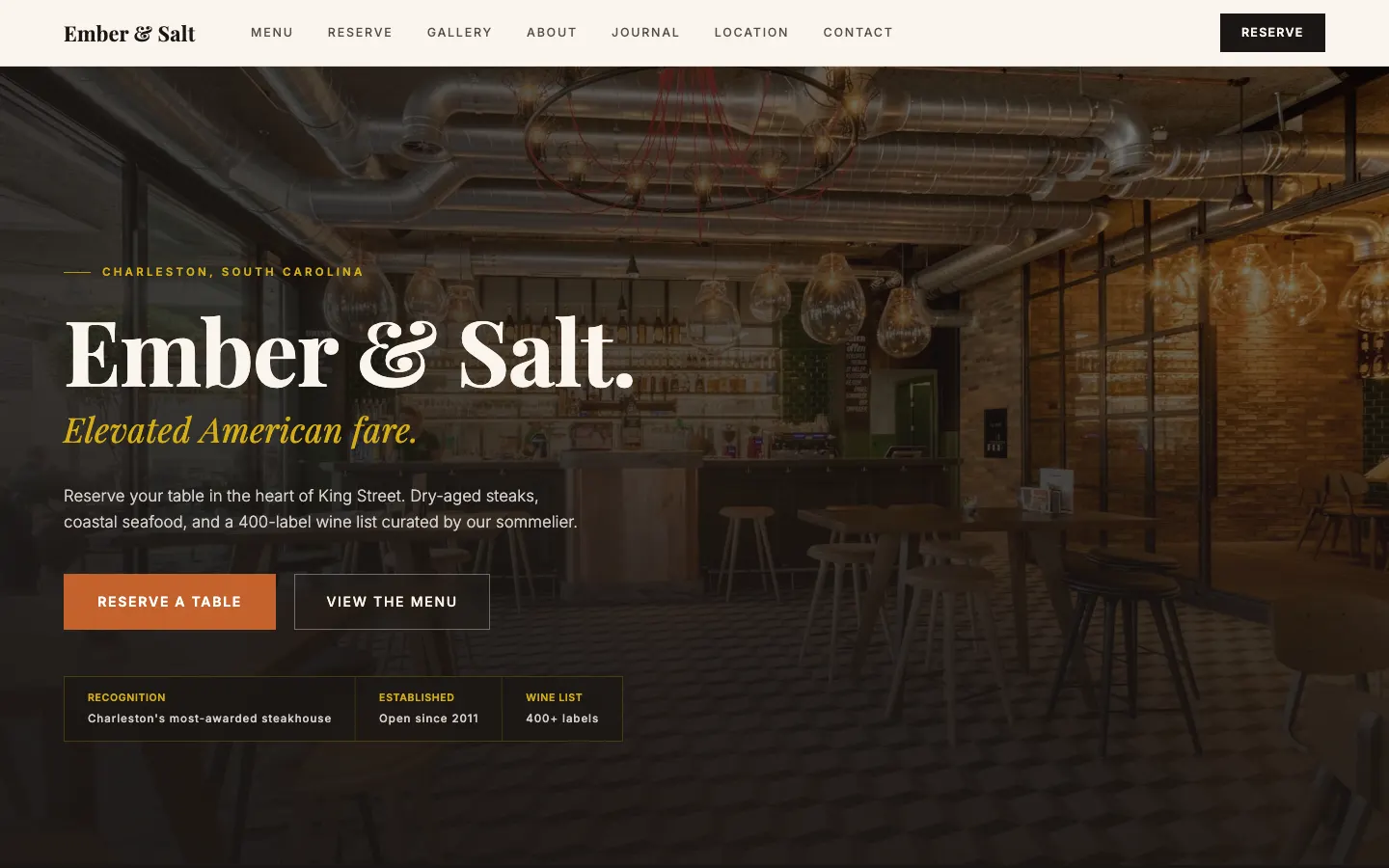
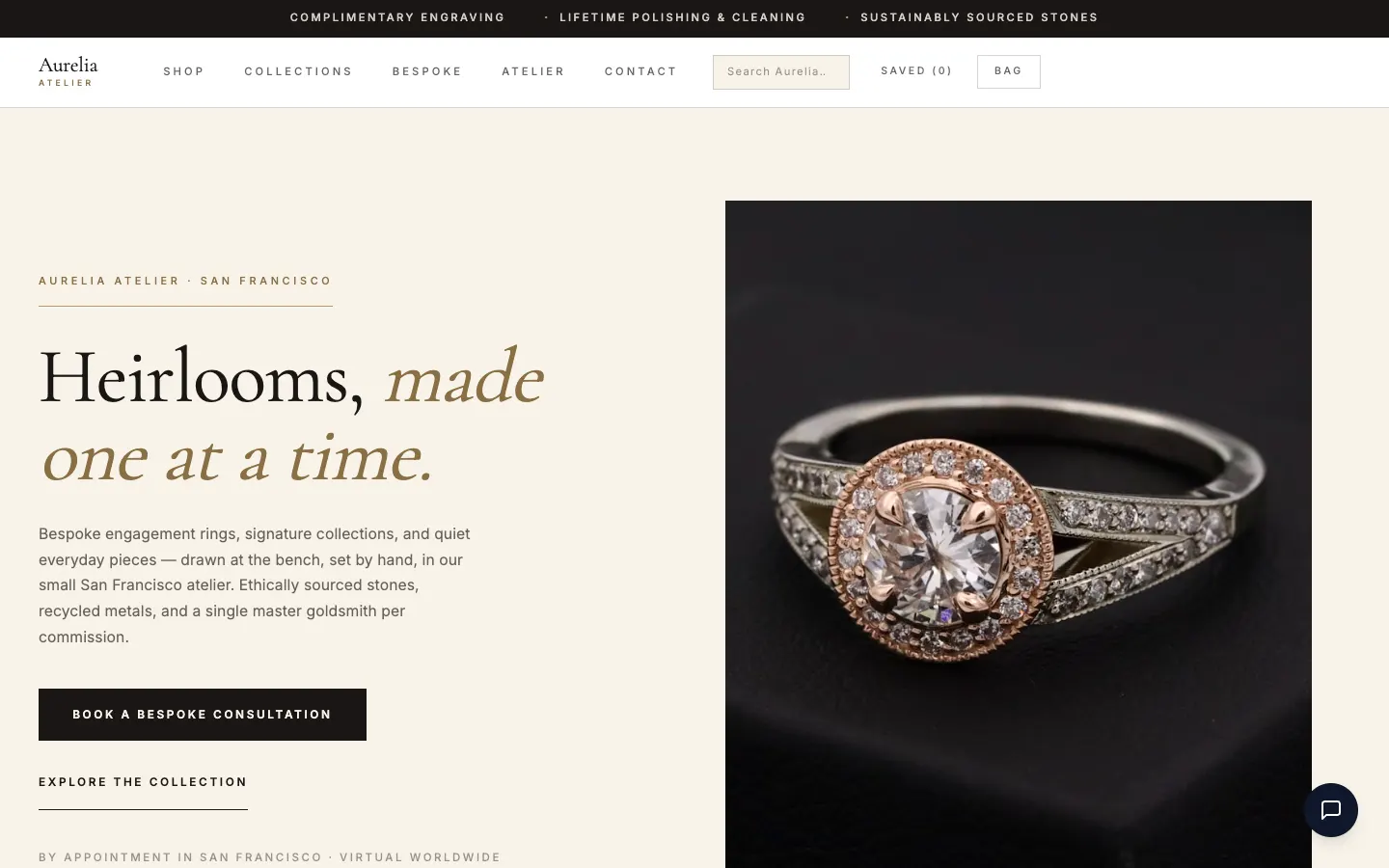
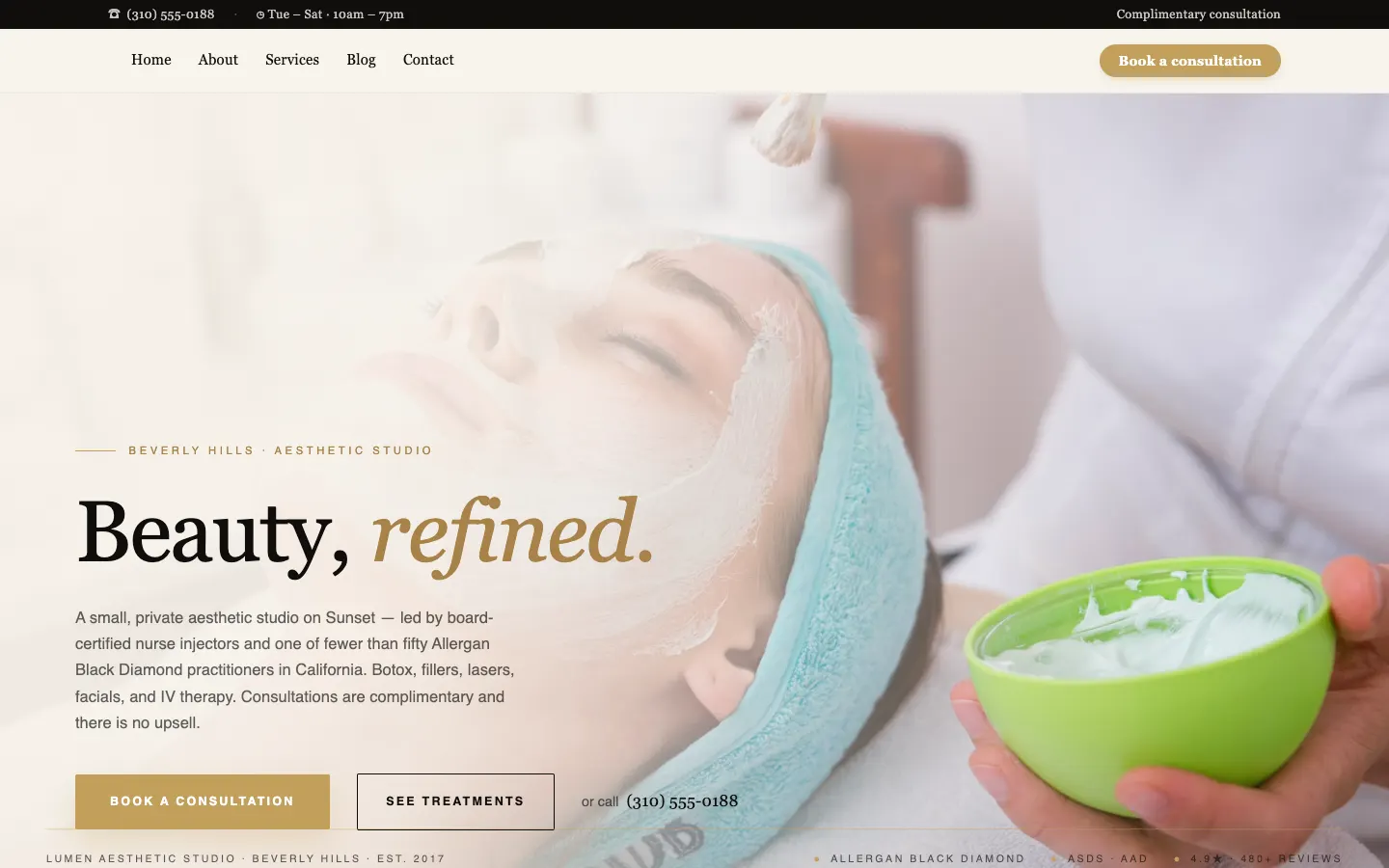
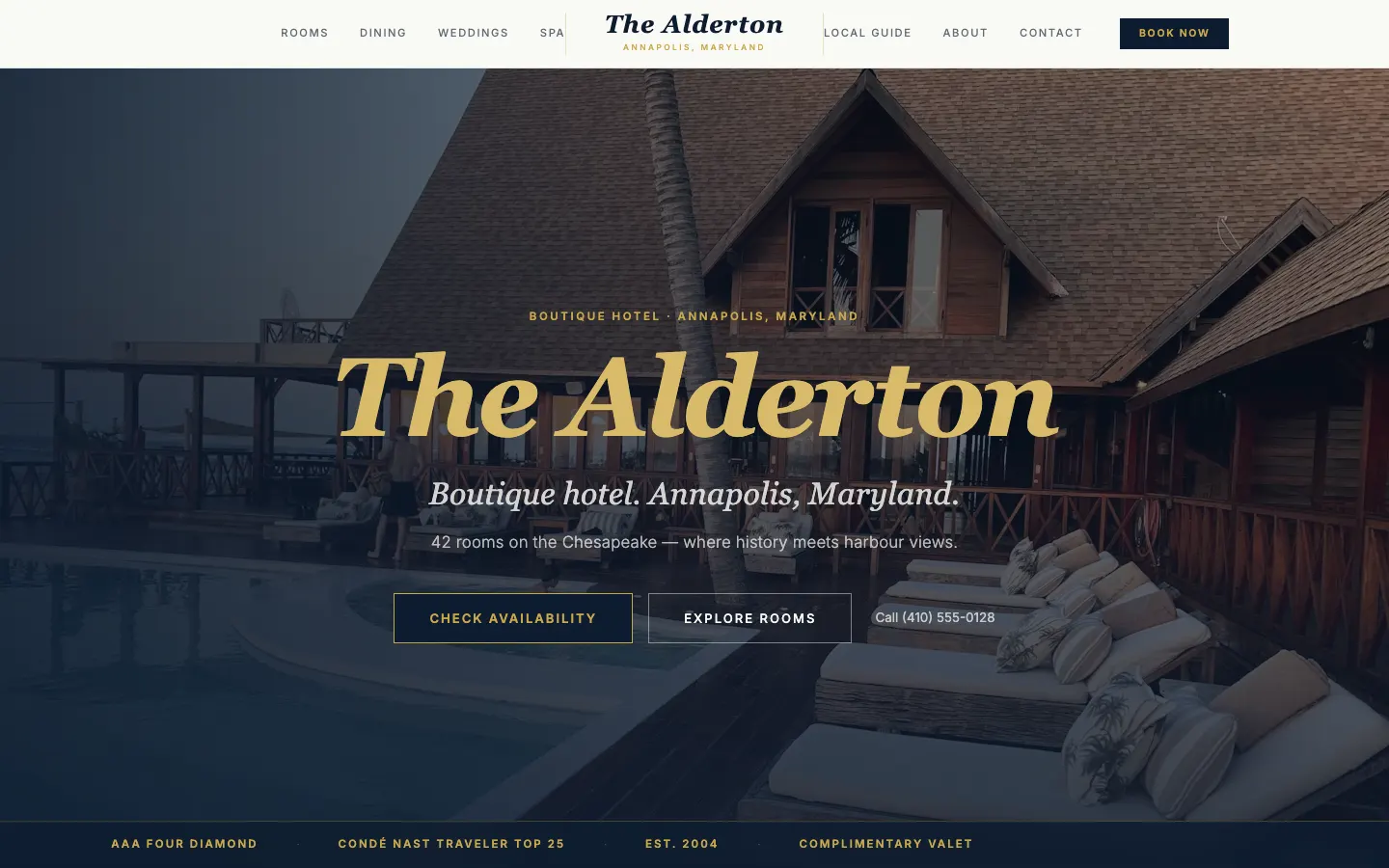
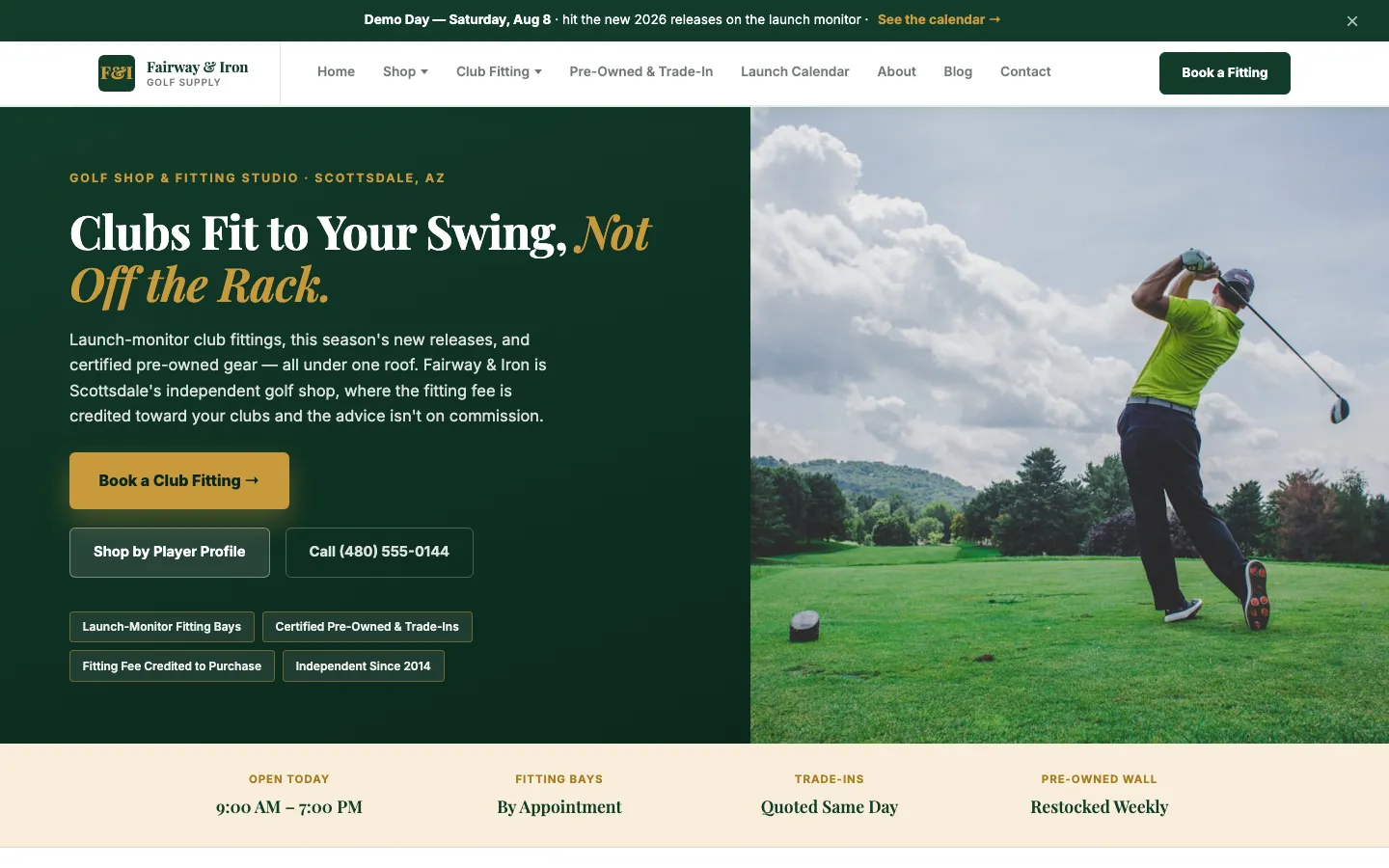
See what we build.
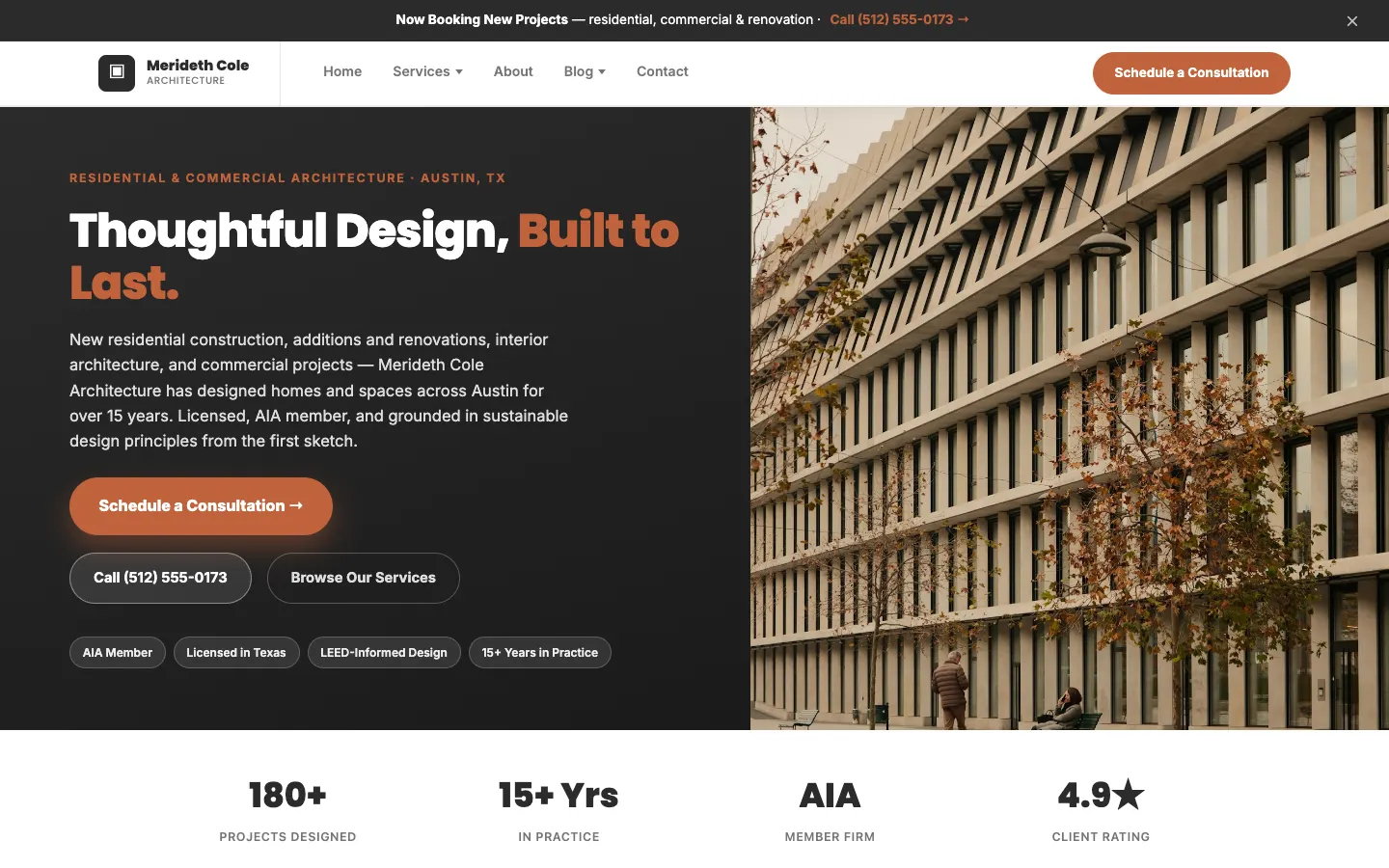
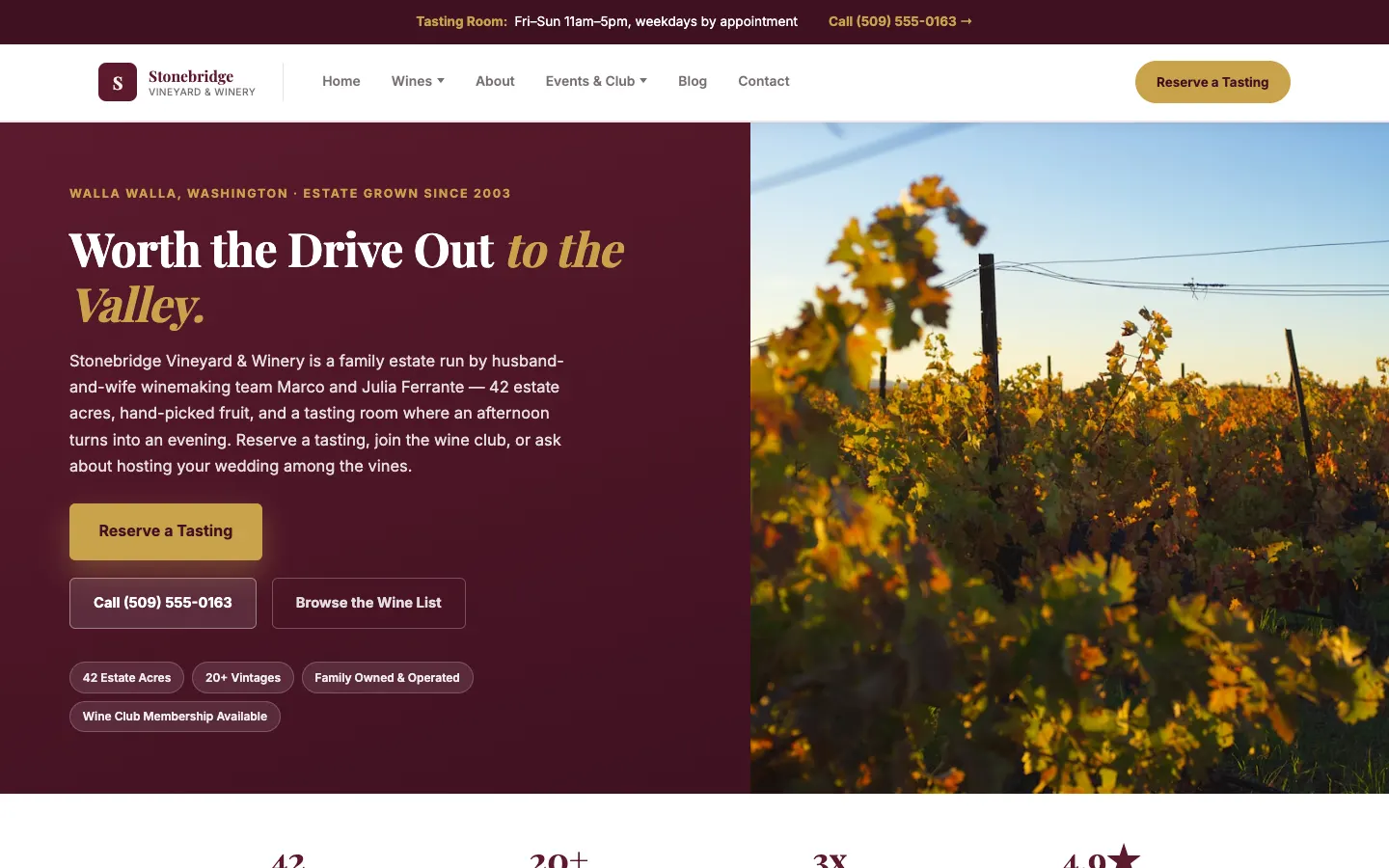
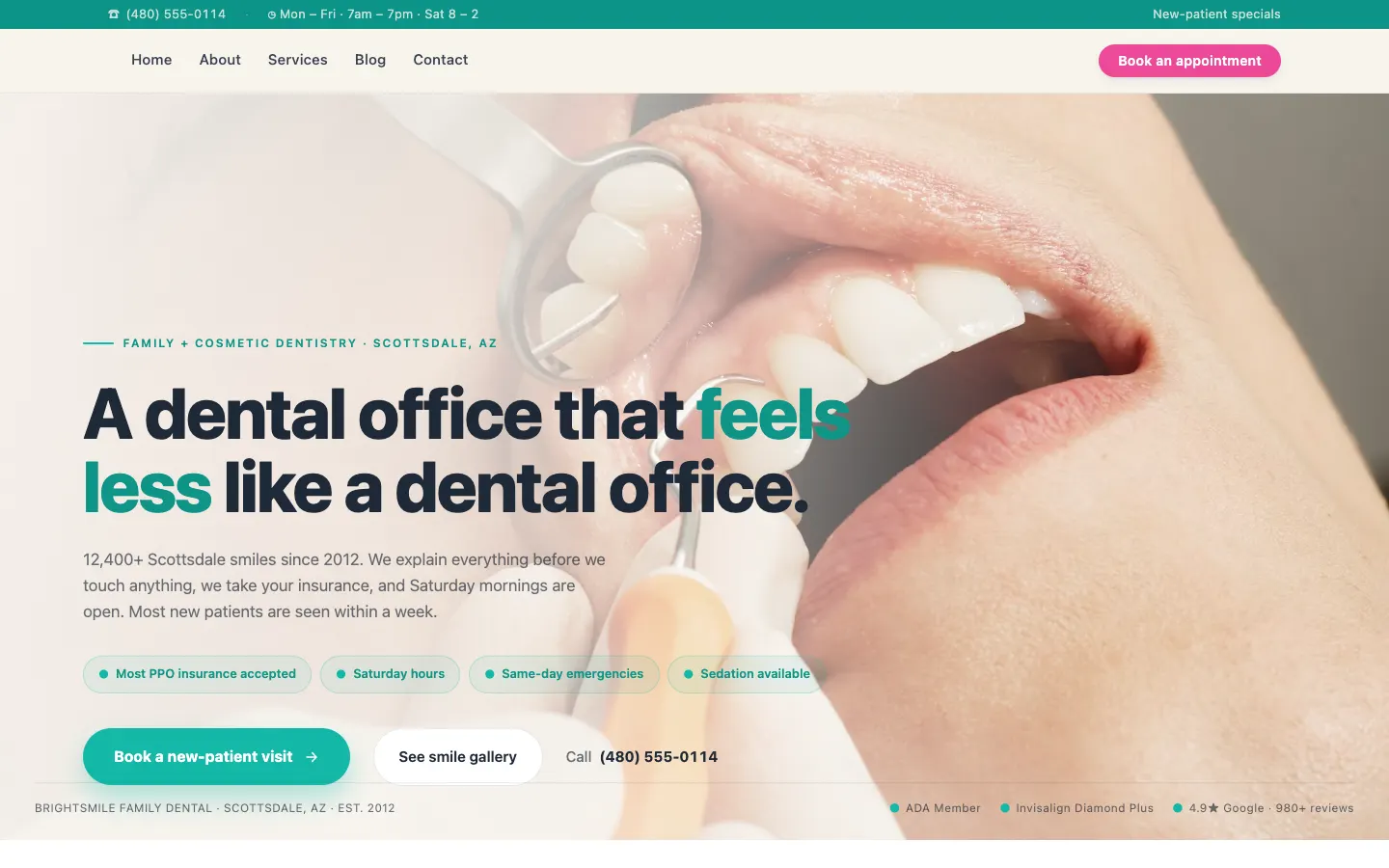
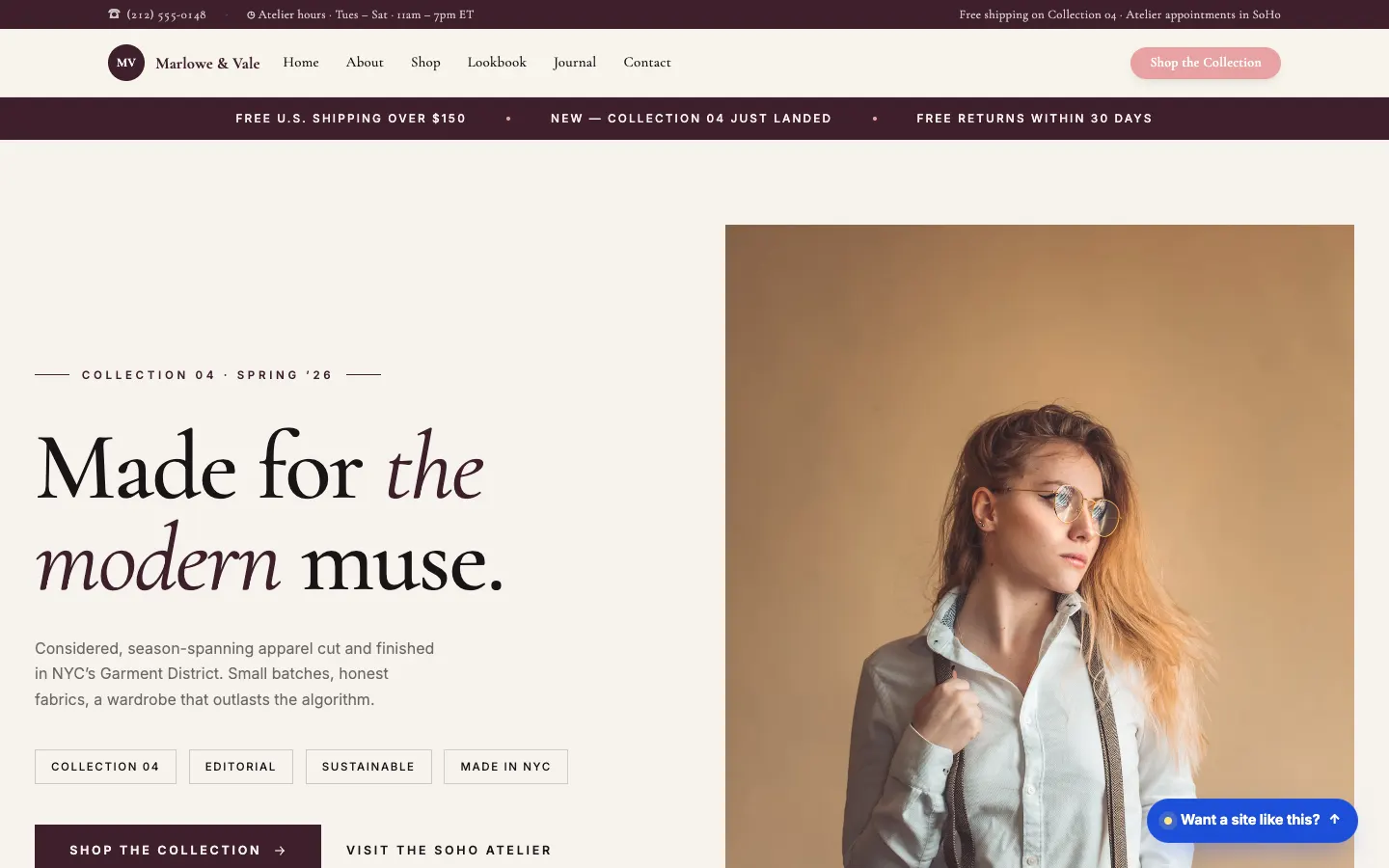
Real sites we designed and run for businesses like yours. Fast, modern, and made to bring in customers.
Switch to us, we take it from here.
We move your site to WorkspaceCMS, rebuild it beautifully, and run it for you, with no downtime.
- ✓Free rebuild
- ✓No downtime
- ✓We move your content and SEO
- ✓You keep your domain
Welcome to our website
Quality hair care for the whole family since 1998.
Our Services
Cuts, color, and styling for all ages.
Book a Visit
Call or email to schedule a time.
Find Us
123 Main Street, six days a week.
Migrating your site to WorkspaceCMS...
The proof is in the numbers.
1Digital has been my agency for 12 years and they’ve done a tremendous job growing my small business.Hanna S.
It actually feels like they care about you and your company instead of just another client.Brandyn Sethman
With 1Digital they take command of the strategy and think bigger than I ever could.Jeffrey Reddick
It works like a phone plan.
The carrier gives you the phone. We give you the website, custom-built and optimized. Your flat monthly plan covers the hosting, updates, and support. No setup fee, no catch.
- Hosting, security, and updates by our team
- Content changes handled by our team, you never touch a CMS
- SEO and AI search readiness, built in
- A free redesign every two years, so it never goes stale
Essentials, from $89/mo. The build is on us.
See exactly what updates includeThe build is free. Plans start at $89/mo.
You pay for the expert team that runs and grows your site. Turn on more as you grow, and you only pay for what you use.
Growth campaigns (ads and SEO) are run by our team as an add-on, started when you are ready.
Questions,
answered.
The common questions about your free site, the plans, and the team that runs it.
Is the website really free?
Yes. We design and build your site at no cost. You pay a flat monthly plan starting at $89 for hosting, updates, and the team that runs it. There is no big upfront bill.
What does the monthly plan include?
Your live site, hosting, security, and content updates made by our team. You ask, we handle it. Growth campaigns like SEO and ads are optional and run by our team when you are ready.
What is included in the free $89 site, and what costs extra?
Your $89 Essentials plan includes the custom-built site, hosting, the full SEO toolkit, lead forms, and your blog CMS. Extras like AI chat, online booking, reviews, and AI blog automation come with Growth ($199) and Premium ($449), or as simple add-ons. You only pay for what you turn on.
Do ad campaigns cost extra?
Yes. Your plan runs and maintains your site. Growth campaigns like paid ads and SEO pushes are managed by our team as an add-on, priced to your goals. Start them whenever you are ready.
Who builds and runs my site?
Real people at 1Digital, a Google Partner agency with 15 years of experience and 941 five-star reviews. Not a DIY builder, and not a chatbot.
How fast will my site launch?
Most sites go live within a few days to a few weeks. Share a few details, review the build, and we take it live for you.
Do I own my site and content?
Yes. Your brand, your content, and your domain are yours. You are never locked in.
Can I cancel anytime?
Yes. There is a 30-day money-back guarantee, and you can cancel later if your needs change.
Ready for a website that brings in customers?
Get your free site now. Our team takes it from there.
Free build. $89/mo plan, cancel anytime. 30-day money-back guarantee.