
How to Create Service Area Pages That Rank in Multiple Cities
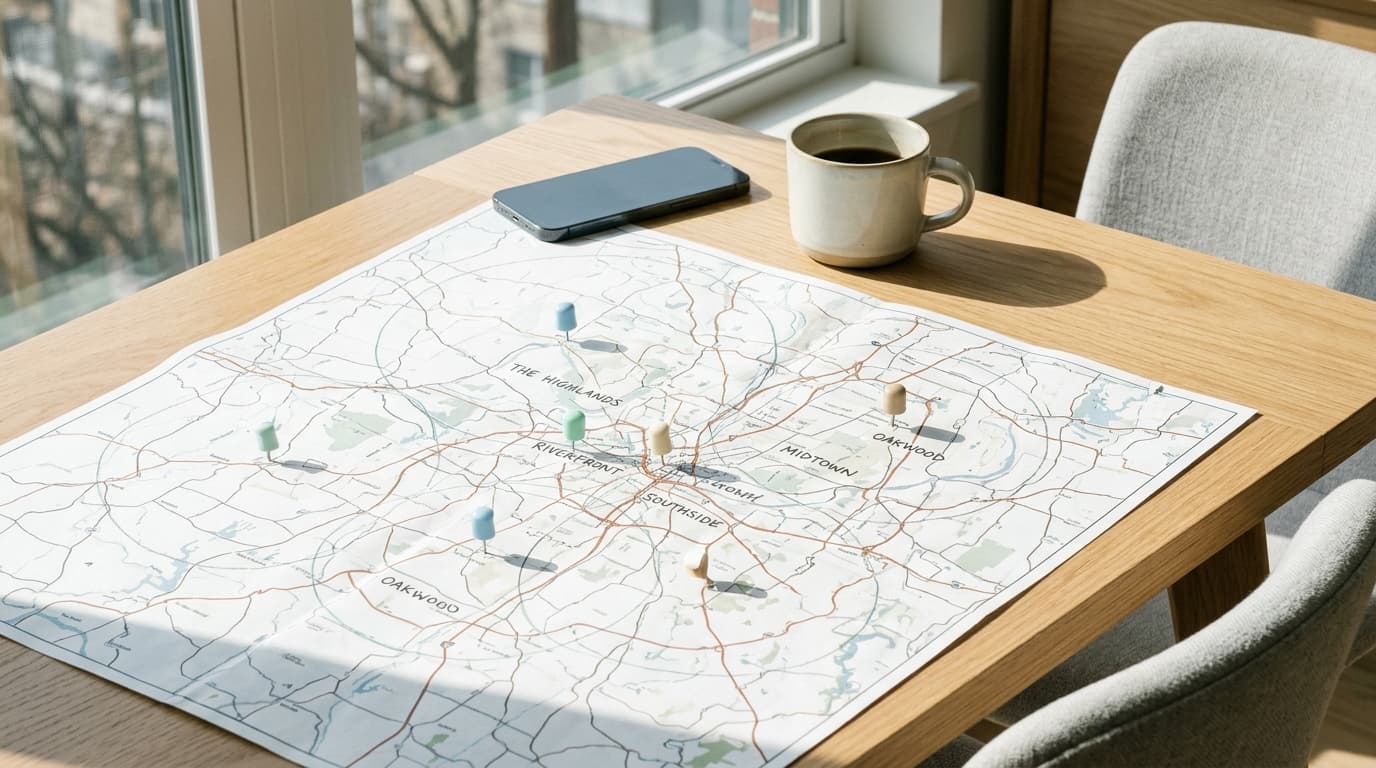
Service area pages are unique pages on your website designed to rank in specific cities or neighborhoods where you operate but don’t have a physical office. The best pages combine localized content, unique project details, and clear calls-to-action to attract and convert local searchers.
Why Service Area Pages Are a Local SEO Powerhouse
If you run a service-based business, your customers aren’t just looking for "plumbers": they’re looking for "plumbers in Alexandria" or "roof repair near Arlington." Google understands this. It prioritizes local results for these types of searches. While a Google Business Profile is critical for your primary location, it doesn't help you rank in the surrounding towns you also serve.
This is where service area pages come in. They signal to search engines that you have a dedicated presence and specific expertise in those secondary locations. Without them, you are invisible to potential customers just a few miles away.
A well-executed set of these pages forms a key part of your local content strategy. It allows a single website to compete for valuable search traffic across an entire metropolitan area, not just the city listed on your business license. Think of each page as a digital storefront in a town you want to win.
In WorkspaceCMS, we designed our content tools around this exact need. You can create a master page template, then use our AI-assisted features to quickly customize it with unique local details for each city, ensuring every page is valuable and avoids duplicate content issues.
The Wrong Way: How Most Businesses Get Service Area Pages Wrong
Before building the right way, it’s important to see what doesn't work. Many businesses try to take a shortcut, and it costs them rankings and traffic. The most common mistake is creating dozens of low-quality, nearly identical pages.
This "find-and-replace" method looks something like this:
- Write one generic page about your service.
- Copy that page 10 times.
- On each copy, replace the city name (e.g., change "Arlington" to "Fairfax," then to "Reston," and so on).
Google’s algorithms are designed specifically to identify and devalue this kind of thin, duplicative content. A page that just says "We offer expert plumbing in [City Name]" with no other unique information provides zero value to a user. It signals to Google that you're trying to manipulate rankings, not provide helpful information.
These low-effort pages often fail because they:
- Lack unique content: 95% of the text is identical across all pages.
- Offer no local proof: There are no photos, testimonials, or project details from that specific city.
- Have a high bounce rate: Visitors arrive, see a generic page, and leave immediately.
This approach worked in 2014. In 2026, it’s a recipe for getting ignored by search engines. You need to invest the effort to make each page a genuinely useful resource for its target location.
The Anatomy of a High-Ranking Service Area Page
A successful service area page is a miniature homepage for a specific location. It should convince both search engines and human visitors that you are the go-to expert in that town. Here is a section-by-section breakdown of what to include.
1. Location-Specific Title and H1 Tag
Your page title and main headline (H1) are the most important on-page SEO elements. They must include both your core service and the location.
- Good: Expert Roof Repair in Fairfax, Virginia | Brand Name
- Bad: Our Services | Brand Name
Be specific. If you specialize, mention it. "Emergency Leak Repair in Fairfax" is better than "Plumber in Fairfax."
2. Introduction With Local Landmarks or References
Start with a brief introduction that immediately establishes your connection to the area. Mentioning a well-known neighborhood, landmark, or local problem demonstrates authentic familiarity.
Example for a contractor in Reston, VA:
"From homes near Reston Town Center to businesses along the Dulles Toll Road, our team has been the trusted choice for siding replacement in Reston for over 15 years. We understand the specific challenges local weather presents, from summer humidity to winter ice, and we use materials designed to protect your home."
This is far more effective than a generic, "We are a leading siding company."
3. Showcase Your Services (With a Local Twist)
List your primary services, but don’t just copy and paste the descriptions from your main services page. Frame them in the context of the local area. What specific problems do you solve for residents of this city?
- Plumber in Alexandria, VA: Mention your expertise in working with the plumbing in Old Town's historic homes.
- Landscaper in Great Falls, VA: Talk about managing drainage on hilly, wooded lots common to the area.
- HVAC contractor in Phoenix, AZ: Discuss installing systems that can handle the extreme 115°F summer heat efficiently.
4. Display Social Proof from That Area
Credibility is everything. Generic testimonials are good, but location-specific ones are a trust-building machine. Include:
- Customer Testimonials: Add 2-3 quotes from happy clients in that exact city. Be sure to list their first name, last initial, and the city, like "Sarah P., Fairfax."
- Project Photos or Case Studies: Show, don't just tell. Include a mini-gallery of a project you completed in that town. Add captions describing the work. For example: "A complete roof replacement on a colonial-style home in the Mantua neighborhood of Fairfax."
- Badges and Certifications: If you have local affiliations, like with a city-specific chamber of commerce, display those badges here.
5. Embedded Local Map
Include a Google Map on the page. While you don't have an office there, you can create a map showing the general service boundary for that city or a pin showing a recently completed project (with the customer's permission, of course). This is a strong visual signal to Google about the page's geographic relevance.
6. Frequently Asked Questions (FAQs) for the Location
Anticipate and answer questions that potential customers in that area might have. This is a great way to add unique, helpful content and target long-tail keywords.
Examples for a plumber in Alexandria:
- "Do you handle permits for plumbing work in the City of Alexandria?"
- "How quickly can you get to Old Town for an emergency leak?"
- "What are the most common plumbing issues you see in Alexandria's older homes?"
Answering these proves your local expertise and provides immense value to the reader.
7. A Clear and Obvious Call-to-Action (CTA)
What do you want the visitor to do next? Don't make them hunt for it. Your CTA should be prominent and direct.
- "Get Your Free Estimate in Fairfax"
- "Schedule Your Alexandria Service Call"
- "Call Now for Emergency Service in Reston"
Include a simple contact form directly on the page so they don't have to navigate away to get in touch. The fewer clicks required, the higher your conversion rate.
How to Scale Your Content Creation Without Duplication
Creating one great service area page is straightforward. Creating 15 of them without running into duplication issues is the real challenge. The goal is "thematically consistent, but uniquely executed." This is where a solid content pipeline and the right tools become essential.
Here’s a practical process to follow:
- Create a Master Template: Design one "perfect" service area page. This will be your blueprint, containing all the sections mentioned above (Intro, Services, Proof, FAQs, etc.). This ensures every page has the same high-quality structure.
- Gather Your Local Assets: For each target city, compile a dedicated folder of unique content. This includes:
- A list of local landmarks, neighborhoods, or street names.
- Testimonials from clients in that city.
- Photos and brief descriptions of jobs completed there.
- City-specific data (e.g., common home types, local building codes, weather patterns).
- Write Unique Content for Each Page: Now, clone your master template for each location and start swapping in the unique assets. The key is to rewrite, not just replace.
- The Intro: Write a completely new 2-3 sentence introduction using the local landmarks you gathered.
- The Service Descriptions: Tweak your service descriptions to address the specific problems in that area. This doesn't have to be a total rewrite; changing 20-30% of the text can be enough.
- The FAQs: Write 3-5 new FAQs that are truly specific to that city. This is one of the easiest ways to add unique, valuable text.
This process ensures that while the page structure is consistent, the core content: the introduction, project examples, testimonials, and FAQs: is 100% unique to each location. This strategy provides value to users and sends all the right signals to Google.
Our WorkspaceCMS platform is built for this workflow. You can save your master template, clone it in one click, and use our built-in AI assistant to help rewrite introductions or brainstorm local FAQs, dramatically speeding up your content pipeline.
Linking Strategy: Connecting Your Pages for SEO Success
Once your pages are created, you need to connect them logically within your website's structure. A messy or nonexistent internal linking plan can prevent your pages from being discovered or properly valued by search engines.
The "Locations" Hub Page
First, create a main "Service Areas" or "Locations" page on your website. This page will act as a hub and link out to every individual city page you create. This hub page should include:
- A brief introduction to your overall service region.
- An embedded map showing your entire service area.
- A complete list of cities, each linking to its respective service area page.
Link to this main hub page from your website's main navigation menu and footer. This makes it easy for both users and search engine crawlers to find all of your location pages.
On-Page Cross-Linking
You should also link between related service area pages where it makes sense. For example, on your page for Fairfax, you could include a sentence like:
"In addition to serving Fairfax, we are also proud to offer our full range of roofing services to homeowners in nearby Vienna and Oakton."
This helps distribute link equity across your location pages and shows Google the geographic relationship between them.
Finally, link from your main service pages (e.g., your general "Roof Repair" page) to your main service area hub. This passes authority from your high-level pages down to your more specific local content.
Service Area Pages vs. Google Business Profiles
A common point of confusion is how service area pages relate to a Google Business Profile (GBP). They are two different tools that serve complementary purposes in a local content strategy.
You do not create a separate GBP for each service area. You have one GBP for your single, verified physical address. You create multiple service area pages on your one website to rank organically in the other cities you serve. Doing both is essential for maximum local visibility.
Your Path to Local Dominance
Building a suite of high-quality service area pages is an investment, not a shortcut. It takes time to gather unique photos, testimonials, and local insights for each city. But the payoff is significant and lasting. By creating pages that genuinely serve the residents of each community, you build a powerful SEO asset that your competitors, with their generic, copy-pasted pages, simply can't match.
Start with your top three to five most important service areas. Build them out using the framework above. Track their performance. As you start to see traffic and leads come in, you can systematically expand your reach, city by city, using the same proven template. With a tool like WorkspaceCMS, you can manage this entire content pipeline from one dashboard, from writing and optimizing to scheduling and publishing.
Service Area Page FAQ
How many service area pages should I create?
Start with five to 10 pages for your highest-priority markets. It's better to have five excellent, unique pages than 50 thin, duplicated ones. Once you've proven the model and see results, you can gradually expand to cover your entire service region.
Is it okay to use the same photos on different service area pages?
It's best to use unique photos of jobs from that specific city. However, if you're just starting, you can use general project photos. The top priority is to ensure the text content, especially the testimonials, local references, and FAQs, are completely unique to the page.
How long does it take for these pages to start ranking?
It can take anywhere from three to six months for new pages to be indexed and start ranking for competitive keywords. Results depend on your website's overall authority, the competitiveness of the location, and the quality of your page. Be patient and focus on creating value.
Do I need a different phone number for each page?
No, you do not. Use your main business phone number across all pages. Using different numbers can create confusion and lead to inconsistent NAP (Name, Address, Phone Number) citations, which can harm local SEO.
Can I just make one page and list all the cities I serve?
A single page listing 20 cities will not rank well for specific searches in any one of those cities. A search for "plumber in Alexandria" will favor a page specifically about Alexandria. A list page is a good "hub," but it cannot replace dedicated pages for each target location.

Liked this? Talk to the team that wrote it.
Book a free 30-minute call. Our strategy team runs a live audit of your site, your PageSpeed, your llms.txt, and your AI visibility, then tells you what we'd do.
Want the full picture? Browse more posts