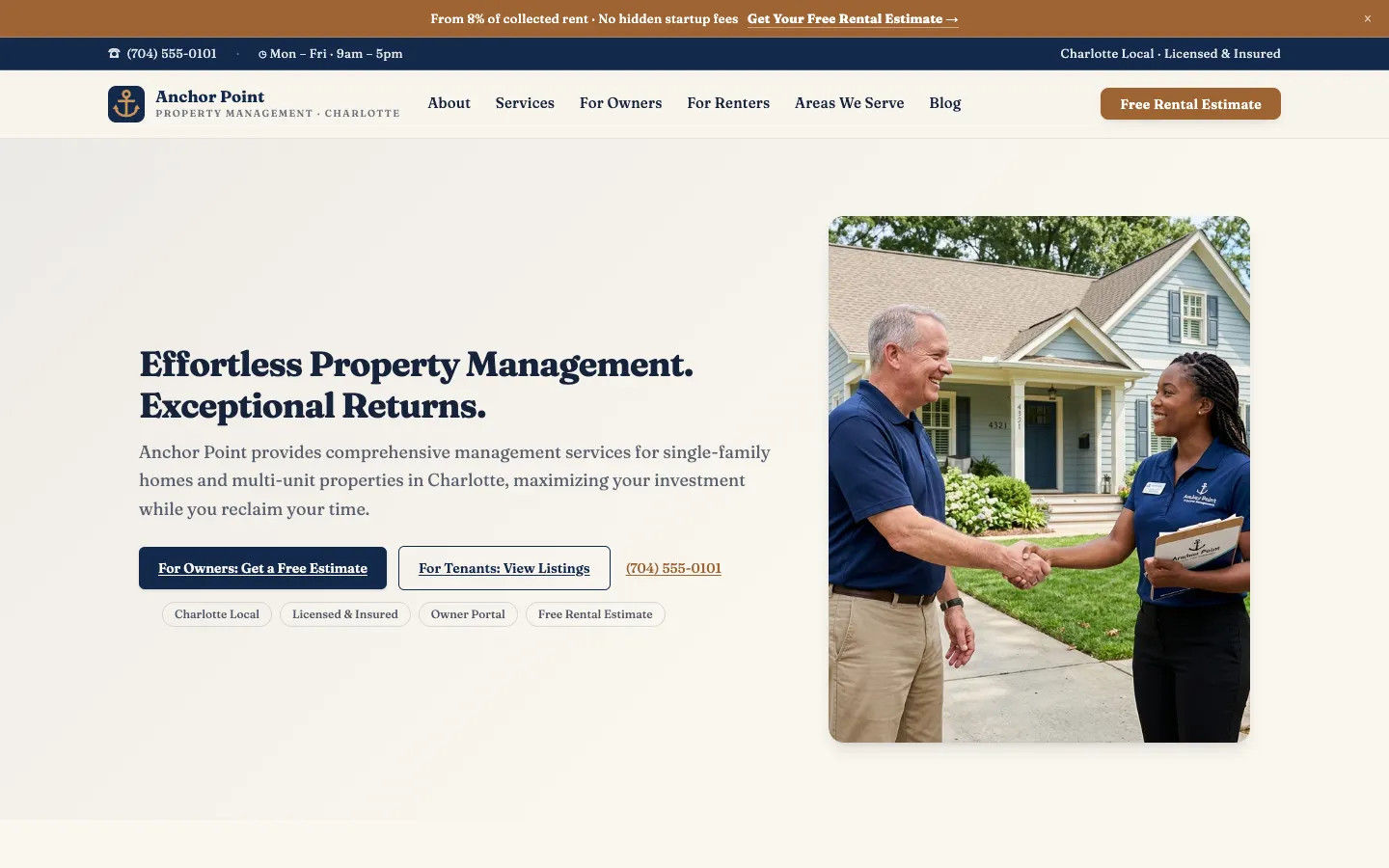
🏢Owner-Focused Service Pages
Dedicated pages for the services owners actually shop for (full-service management, tenant placement, rent collection, maintenance coordination, financial reporting, eviction handling), written and structured for Google to rank you for the exact searches landlords use when deciding who manages their doors. This is the content that wins contracts, not just tenant FAQs.
📋Free Management Proposal Form
A conversion-optimized owner intake form captures property address, unit count, current rent, and management pain points at any hour, so no landlord lead slips through after a bad experience with their current manager. Submissions route straight to your inbox as a warm, qualified prospect ready for a proposal call.
🔑Vacancy Listings Showcase
A polished, searchable vacancy gallery with photo carousels, rent, bed/bath details, availability dates, and an apply-now CTA on every listing, filling units faster so your owners' properties never sit empty and your management fees keep flowing.
🛠️Tenant Portal & Maintenance Requests
Clear guidance and secure links that send tenants to your portal to pay rent online, submit maintenance requests, and review lease documents, cutting phone calls to your office and giving owners the professional, self-service experience that keeps good tenants renewing.
📊Owner Reporting & Transparency Content
Pages that explain your owner statements, inspection cadence, and financial reporting, the transparency signals that convince a skeptical landlord you'll protect their asset. We add the code that helps Google understand exactly what your company does and where you do it.
⭐Google Reviews Integration
Your Google Business Profile reviews from both owners and tenants displayed automatically with star ratings and reviewer names, the social proof a landlord needs before handing you a portfolio, and a tenant wants before signing a lease.
✍️Property Management Blog for Ongoing SEO
Fresh content on topics like 'should I hire a property manager or self-manage?', 'what property management fees are typical', and local rental market updates keeps your site active on Google and demonstrates expertise to owners. Draft posts in seconds with the built-in AI Blog Writer, or hand us a finished write-up and we'll get it live for you. Want us writing from a topic instead? That's the SEO Campaign add-on.
Platform feature📍Local SEO for 'Property Management [City]'
Your site is built from the ground up to rank for 'property management [city]', 'rental property management near me', and 'HOA management [city]', with service area pages for every market you cover, Google Business Profile integration, code that helps Google understand your business, and consistent NAP details on-page and in your LocalBusiness JSON-LD schema.
Platform feature