📐Unit-Size & Pricing Pages
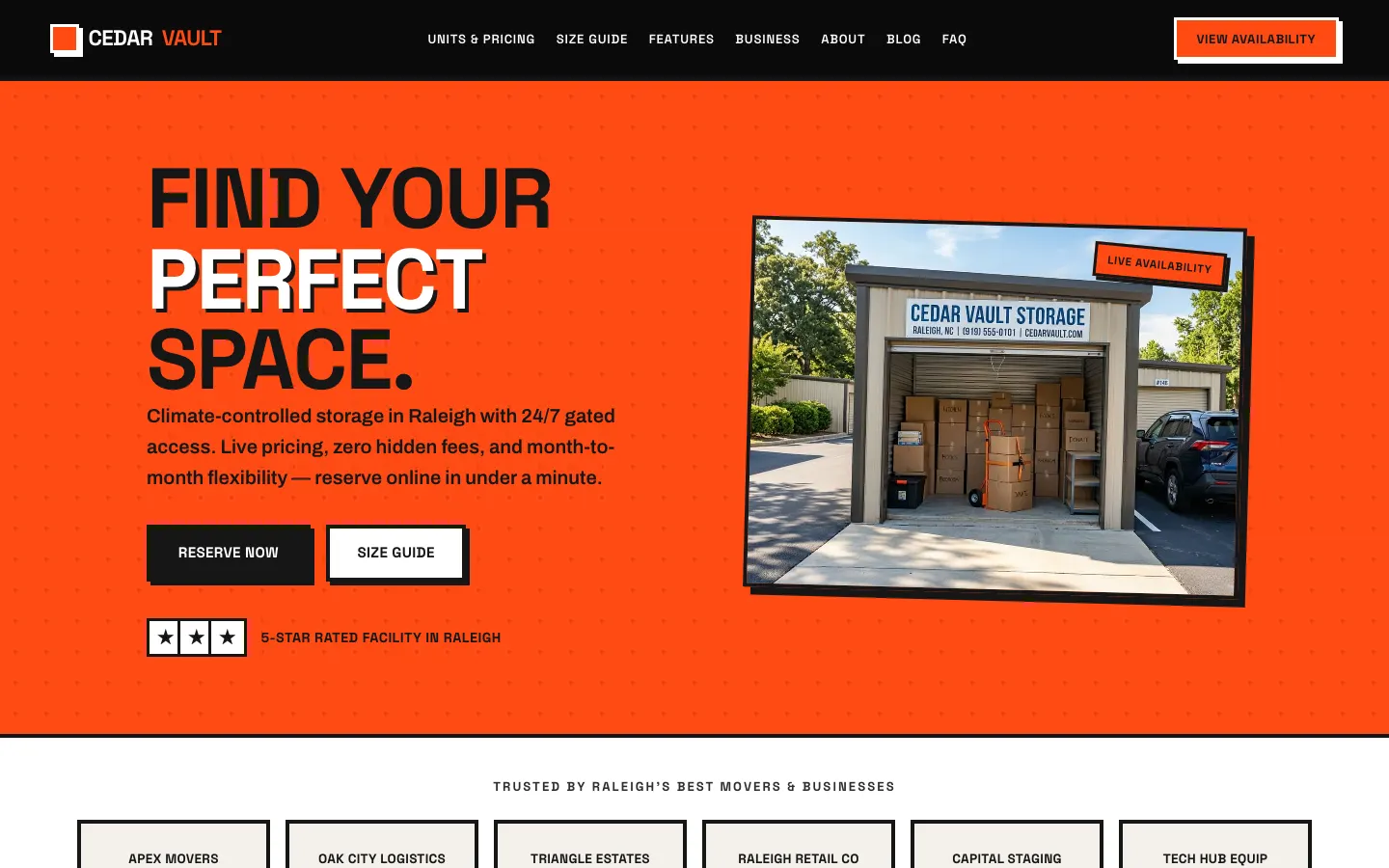
Dedicated pages for every unit size you rent, from 5x5 lockers through 10x30 drive-up bays, with dimensions, "what fits" guidance, monthly rates, and a reserve button on each. Renters compare sizes and prices without calling your office, and each page is optimized for searches like "10x10 storage unit [city]" so you capture buyers in active shopping mode.
🔒Facility Features & Security Page
A clear, scannable rundown of the amenities that win renters: climate-controlled units, 24/7 gate access with keypad entry, individually alarmed doors, video surveillance, drive-up access, and RV/boat parking. These are the trust signals a renter checks before choosing where to store their belongings, laid out so no differentiator gets buried.
🕐Online Reservation & Move-In Flow
A guided reservation flow lets renters pick a size, see the rate, and hold a unit online at any hour. No phone tag. Online reservations are built in on Growth, Premium and Ultra, and every hold lands in your dashboard and on your Google Calendar, with a confirmation email to the renter.
🏷️Move-In Specials & Promotions
Post "First Month Free" or "50% Off Three Months" banners and promo pages yourself from your dashboard the moment you need to move idle units. Specials appear on your size pages and reservation flow where they influence the decision, and come down just as fast when the space fills. No waiting on a web agency to change a headline.
⭐Google Reviews Integration
Your Google Business Profile reviews displayed on your site with star ratings, reviewer names, and text, the peer validation a renter looks for before trusting a facility with their furniture, records, or inventory. Reviews near your reserve buttons remove the last hesitation before a renter books.
📍"Self Storage Near Me" Local SEO
Your site is built from the ground up to compete for "self storage near me," "storage units [city]," and "climate controlled storage [neighborhood]", with code that helps Google understand your facility, Google Business Profile integration, and consistent name, address, and phone on-page and in your LocalBusiness JSON-LD schema. Multi-facility operators get a local page per location.
Platform feature✍️Storage Tips & Guides Blog
Helpful content like "how to pack a storage unit," "what size unit do I need," "preparing furniture for climate-controlled storage" keeps your site active on Google and answers the questions renters ask before they reserve. Draft posts in seconds with the built-in AI Blog Writer, or hand us a finished write-up and we'll get it live for you. Want us writing from a topic instead? That's the SEO Campaign add-on.
Platform feature🤖AI Visibility Tracker
WorkspaceCMS monitors whether your facility appears in AI-generated answers on ChatGPT, Claude, Perplexity, and Gemini when someone asks "best self storage in [city]" or "where can I rent a climate controlled unit near me," the growing share of storage searches that skip the traditional results page entirely.
Platform feature