
New job requests
Turn Website Visitors Into Scheduled Court Reporting Jobs
Getting found is only half the job. The visit is wasted if the paralegal leaves without requesting coverage. A court reporting website should behave like your best scheduling coordinator: available around the clock, impossible to confuse, and pointed at one action. Here's how to turn the traffic you already have into jobs on the calendar.
See it in action
A real site, live on the web
A real site we designed and built, live on the web. This one is our Court Reporting Agency build. Explore it, then picture it with your services, your photos, and your words.
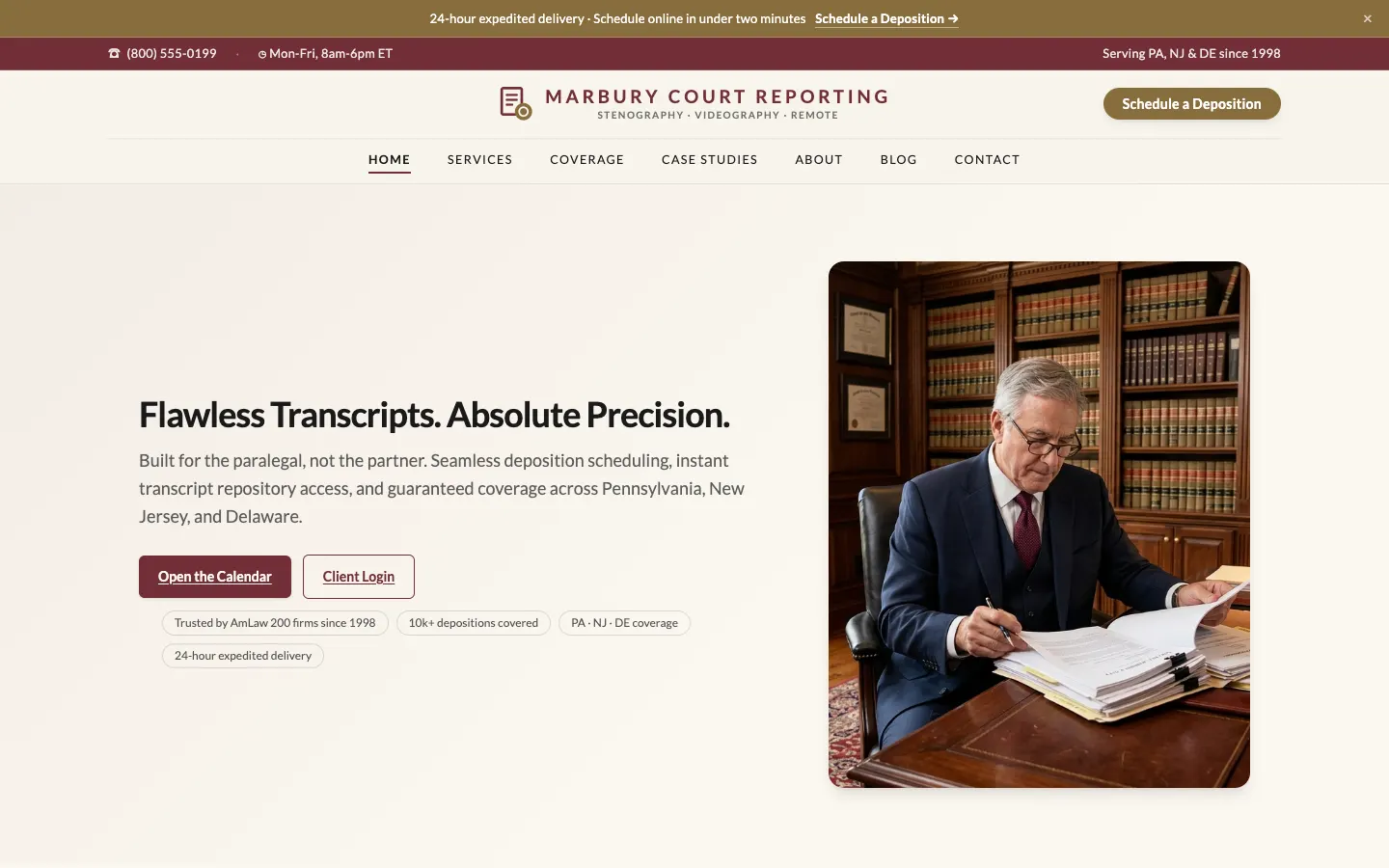
Court Reporting Agency Demo
Marbury Court Reporting
- A dedicated scheduling page listing exactly what to have ready to book
- Service pages for realtime stenography, videography, and remote depositions
- A 24/7 transcript repository pitched as the end of chasing voicemails
- A PA/NJ/DE coverage page naming venues, suites, and remote capability
- Five complex-litigation case studies: patent, expert, multi-district, trial
- Paralegal testimonials and an FAQ on rush and after-hours turnaround
Traffic you don't convert is coverage left on the table
Most court reporting sites are brochures. A scheduling paralegal lands, skims a little, and leaves. Nothing told them how to request coverage or made it effortless to do it. Every one of those visitors was a potential deposition, hearing, or transcript order, and the firm that makes requesting a job simple captures the ones who hesitated everywhere else.
Conversion is a design problem, not a traffic problem. Small, deliberate choices decide whether a rushed legal team becomes a booked job: where the "Schedule coverage" button lives, how many clicks a request takes, whether the phone number is tappable on mobile.
The elements that turn a visitor into a booked job
Firms that book well share a short list of ingredients. WorkspaceCMS builds these into every court reporting site by default:
- A job-request form on every plan. The form builder is included on every WorkspaceCMS plan, so legal teams can request deposition coverage, videography, or a rush transcript directly from your site, with the details you need (date, venue, case type, turnaround) captured up front.
- Online scheduling on higher tiers. Self-service booking is built in on Growth, Premium and Ultra, letting attorneys reserve a reporter around the clock; it can also connect to the scheduling or case-management tools your office already runs.
- A persistent, obvious call to action: "Schedule coverage" visible on every page and every screen size, so the next step is never more than one tap away.
- A tappable phone number and rush-request path, because high-urgency legal teams (a deposition that must be covered tomorrow) convert instantly when calling or requesting is frictionless.
- Trust cues right where the decision happens: coverage areas, turnaround commitments, certifications, videography and realtime capabilities, and real firm reviews placed near the request prompt to remove the last hesitation.
- Fast, mobile-perfect pages. A request flow that stalls on a phone loses the booking. Speed is a conversion feature, not just an SEO one.
AI that answers questions before they become drop-offs
Legal teams hesitate on specifics: "Do you cover my county? Can you do realtime? What's your rush turnaround?" An unanswered question is a closed tab and a call to the next agency on the list. On higher tiers, an AI chat agent answers those questions instantly in your firm's voice and nudges the visitor toward requesting coverage, capturing jobs that would otherwise have bounced after hours.
The tools do the booking; the team keeps it improving
Your free build ships with the request path, calls to action, capture fields, and trust elements already in place, so the platform does the conversion work from launch.
From there, the 1Digital team helps you sharpen it: testing which layouts and offers earn the most requests, refining the path from landing to booked job, and folding what works back into the site. You're not handed a tool and left to optimize it alone. Real people help you turn more of your visitors into scheduled jobs over time.
Grow your practice
Guides for growing your court reporting & legal support services
Practical guides to get found on search, book more appointments, and win new patients.
- Get found on searchShow up first when attorneys search for a court reporter
- Book more jobsTurn website visitors into scheduled deposition and transcript jobs
- Win new clientsWin new law-firm accounts with campaigns run by a real team
- See examplesSee a real, live legal site built to get found and book work
- Agency vs DIYWhy DIY sites rarely rank or book, and what to do instead
Questions,
answered.
Can legal teams request coverage directly on the website?
Yes. A job-request form is included on every plan, and self-service booking is built in on Growth, Premium and Ultra, so attorneys and paralegals can reserve a reporter around the clock right from your site. It can also connect to the scheduling or case-management software you already run, so everything stays in one place.
Will online scheduling replace our coordinator?
No. It supports them. Self-service booking captures the after-hours and can't-call-right-now requests that would otherwise go to a competitor, and routes everything to your team so your coordinator stays in control of the calendar and reporter assignments.
How do you increase bookings without more traffic?
By converting more of the visitors you already have. Clear calls to action, a frictionless request path, trust cues at the decision point, and AI chat that answers coverage and turnaround questions all lift the share of visitors who become booked jobs, before you spend a dollar on more traffic.
Ready to get your Court Reporting & Legal Support Services website built, free?
Annual plan includes a free semi-custom website build: 3 to 12 pages, depending on your plan.
No setup fees · 12-month term, then month-to-month · 30-day money-back guarantee